Test the Environment
Table of Contents
Test the Environment
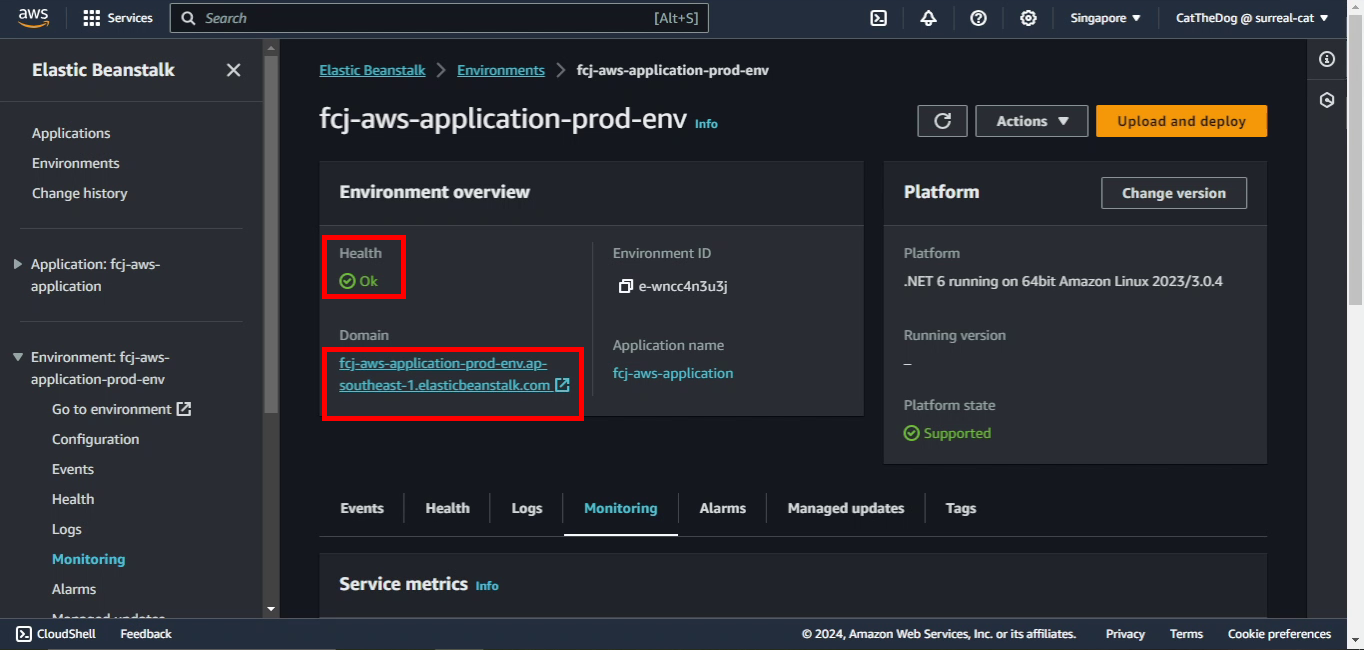
- When successfully creation, the Environment has its Health status as Ok.
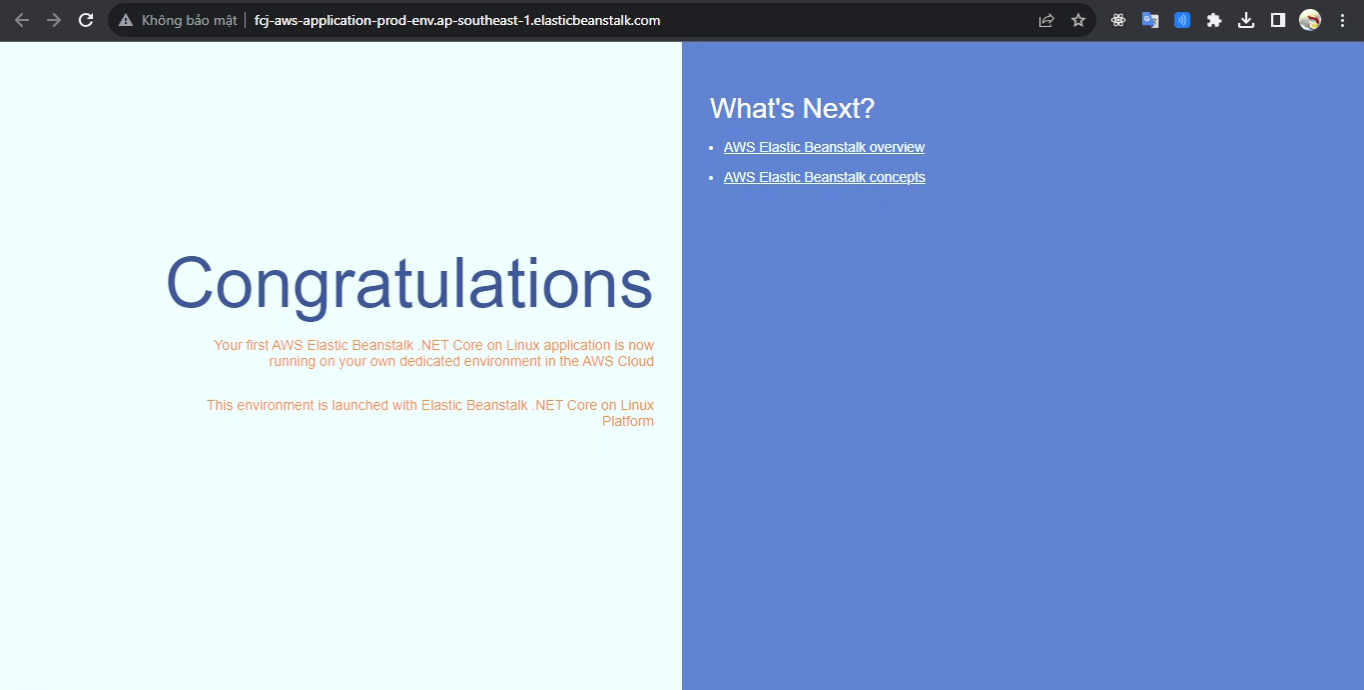
- We can view our application by clicking on the DNS.
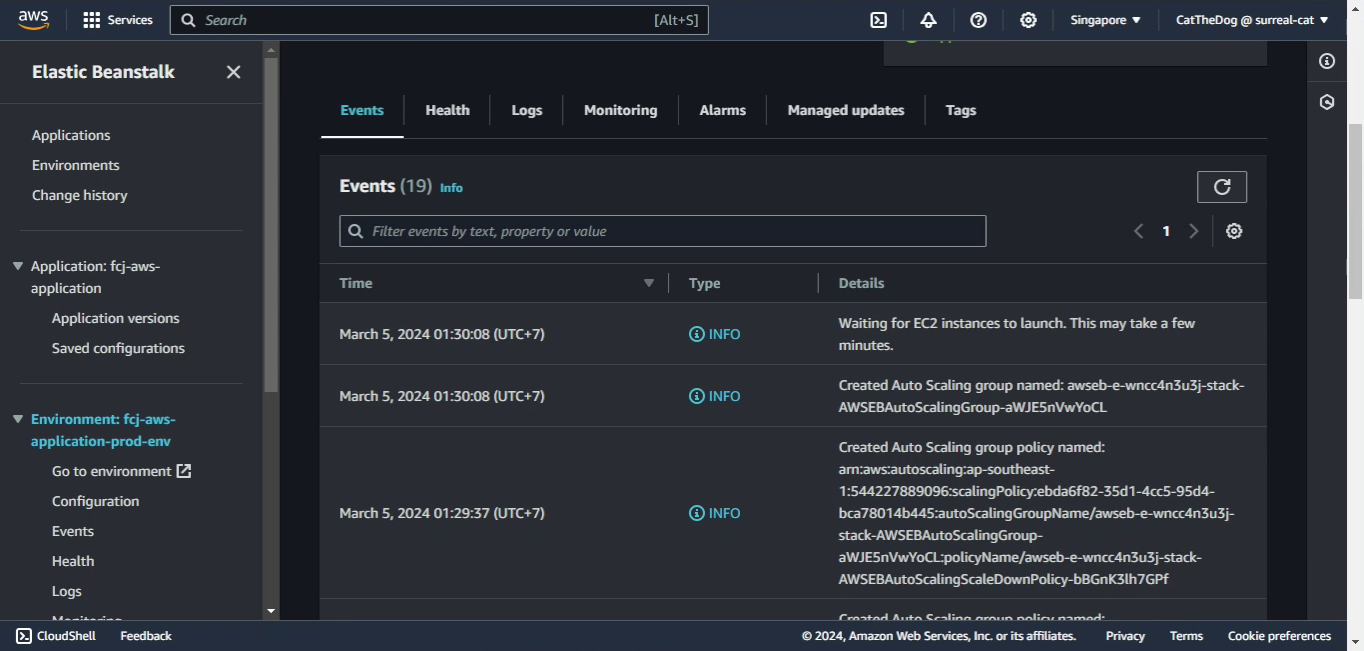
- Select the Events tab to view resources created or being creating.
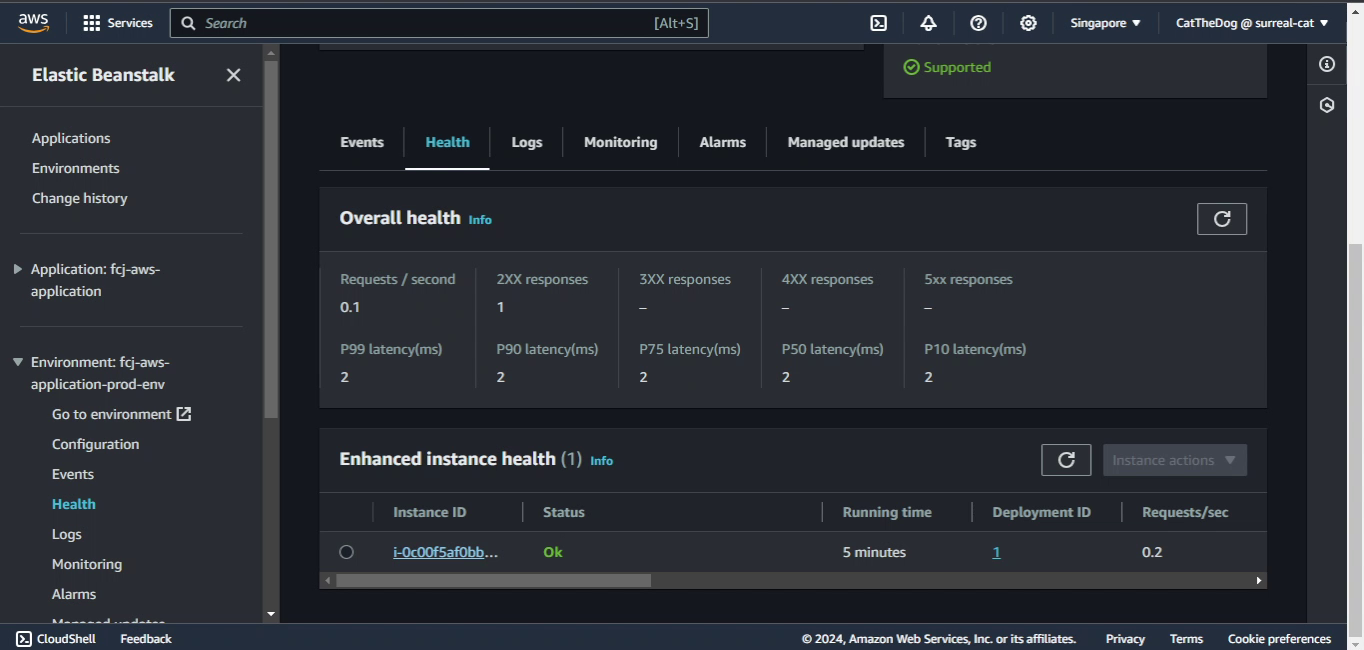
- Select the Health tab to check for instance statuses.
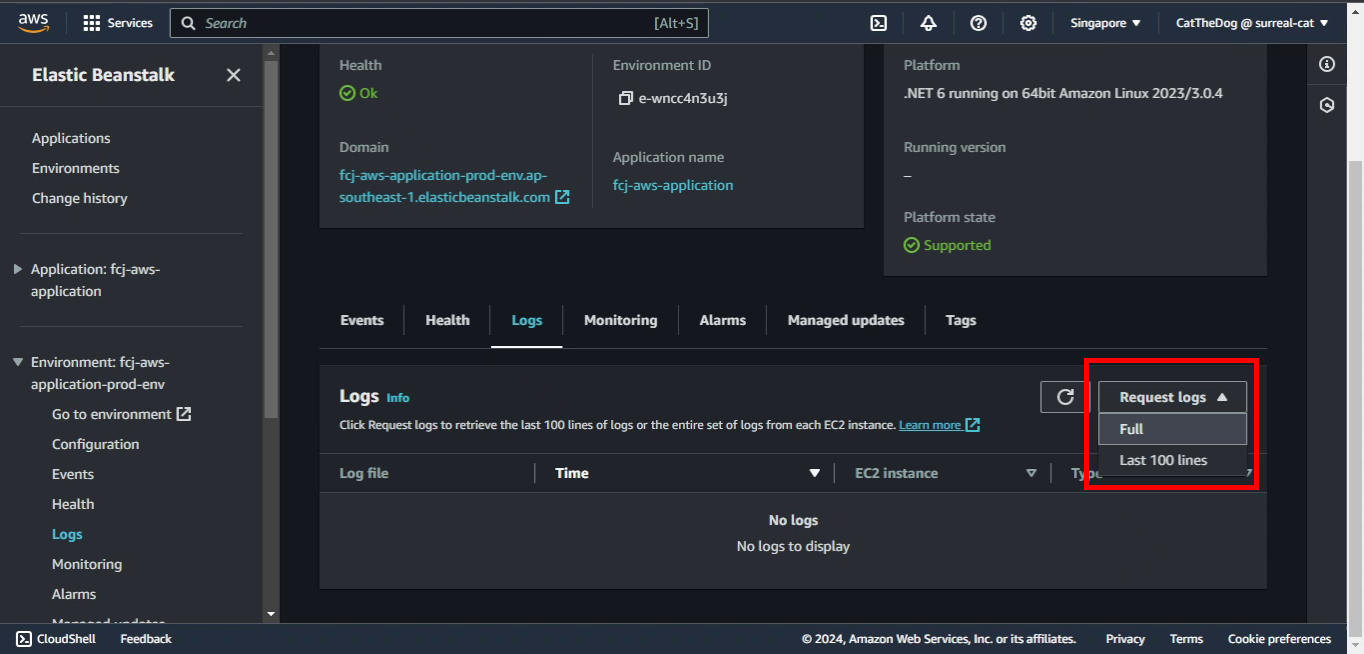
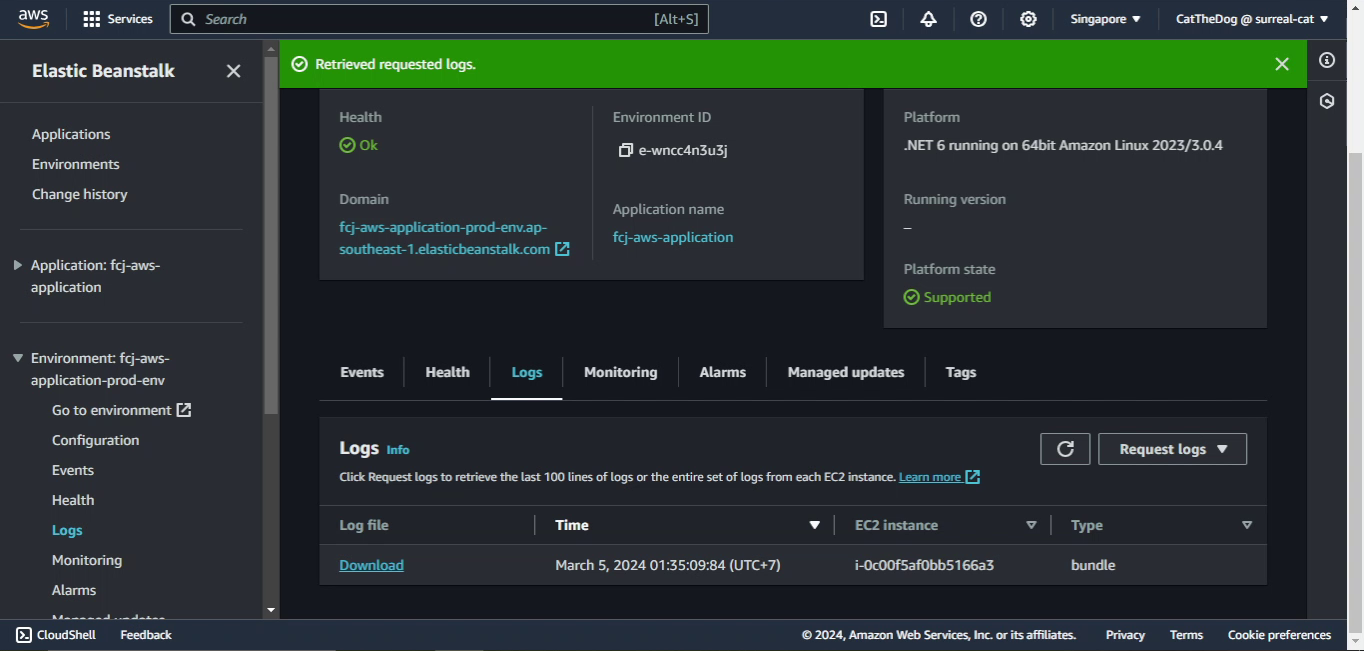
- Select Logs then select Request logs > Full to fetch EC2 Instance log files.