Create a new S3 Bucket
Table of Contents
Create a new S3 Bucket
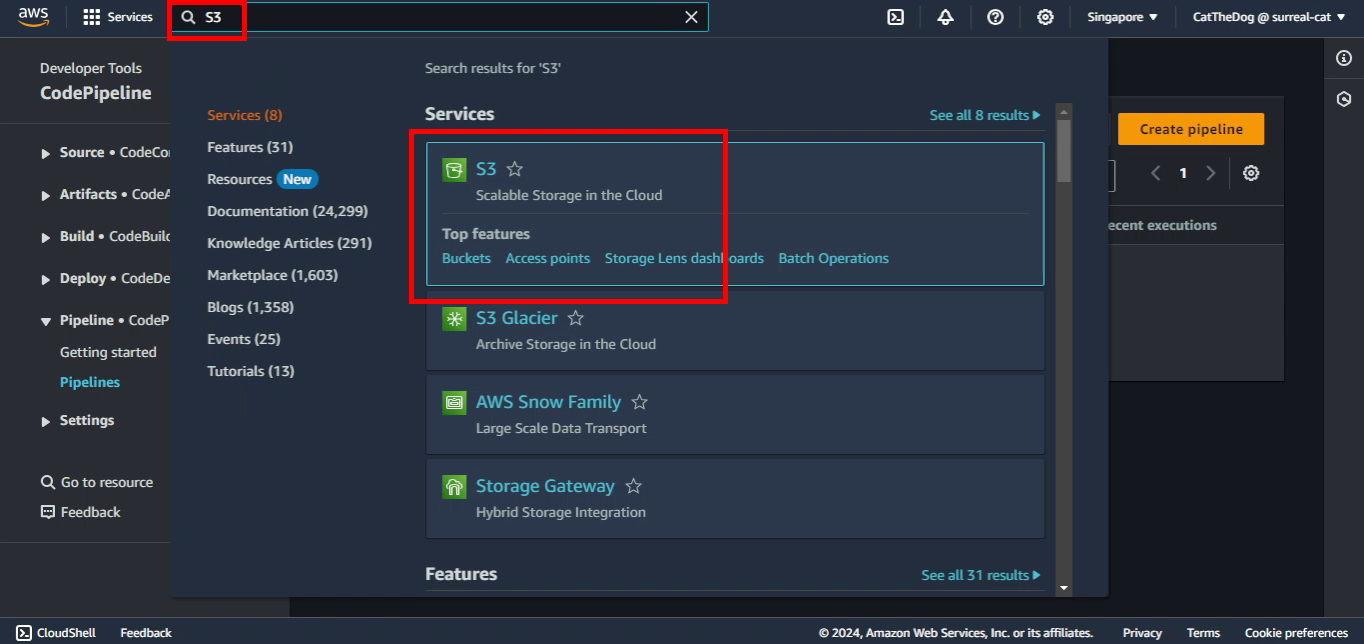
- Find and select S3.
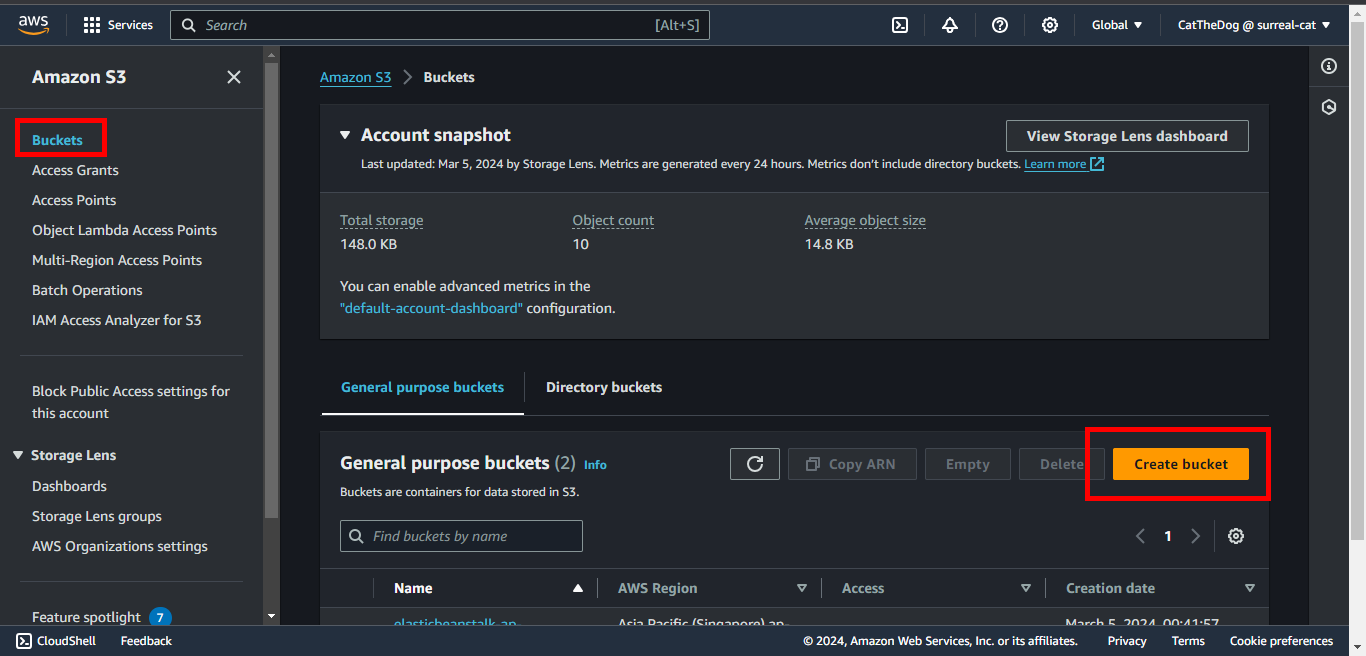
- Select Buckets, then select Create bucket.
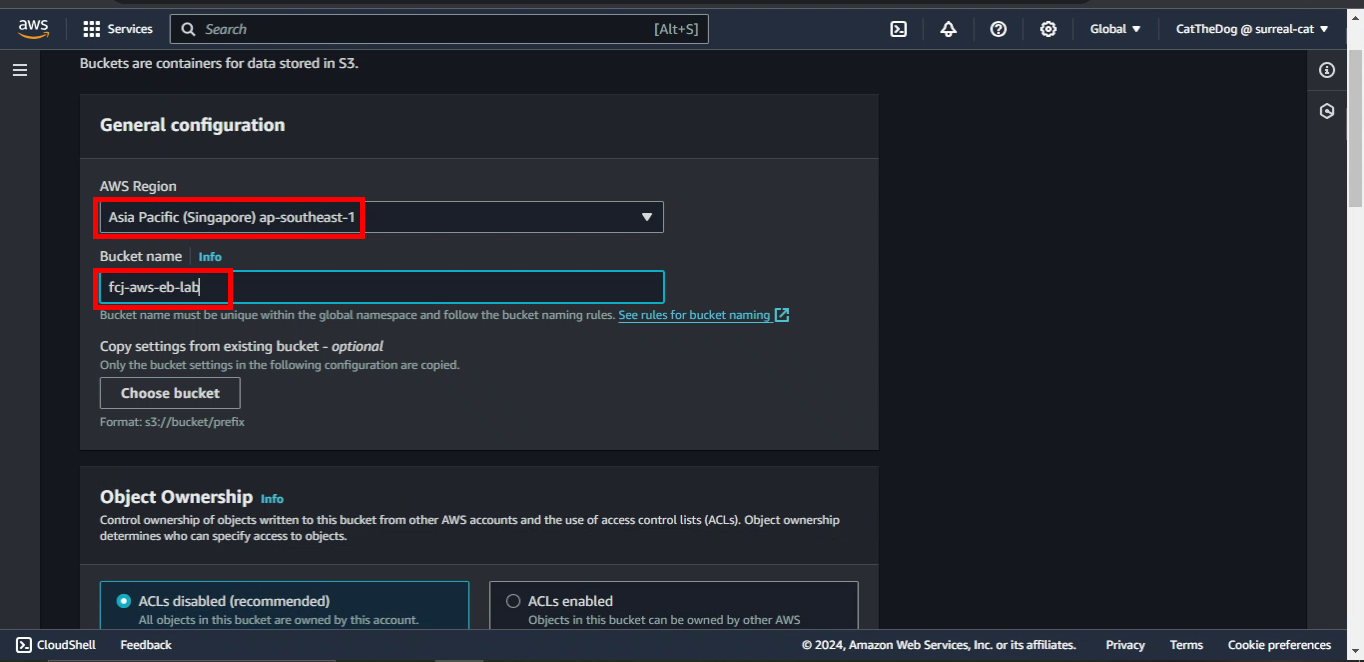
- Select AWS Region as the region which you are using.
- In the Bucket name section, enter a valid name.
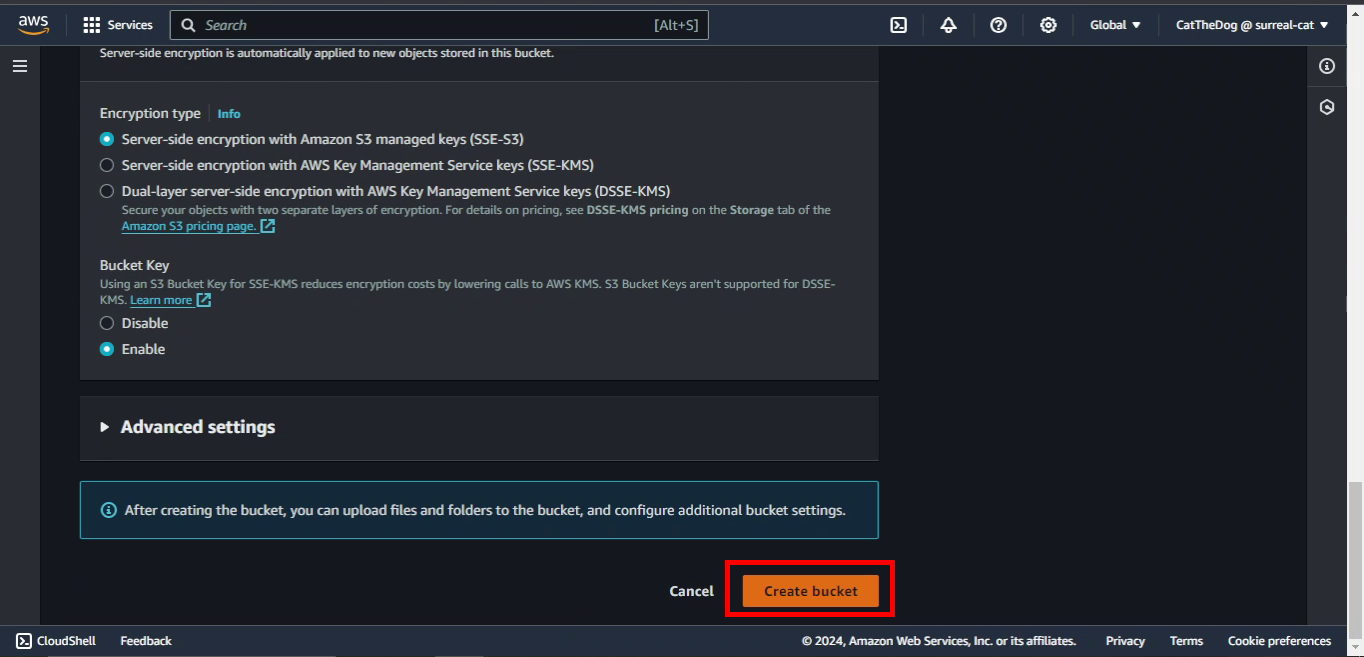
- Select Create bucket.
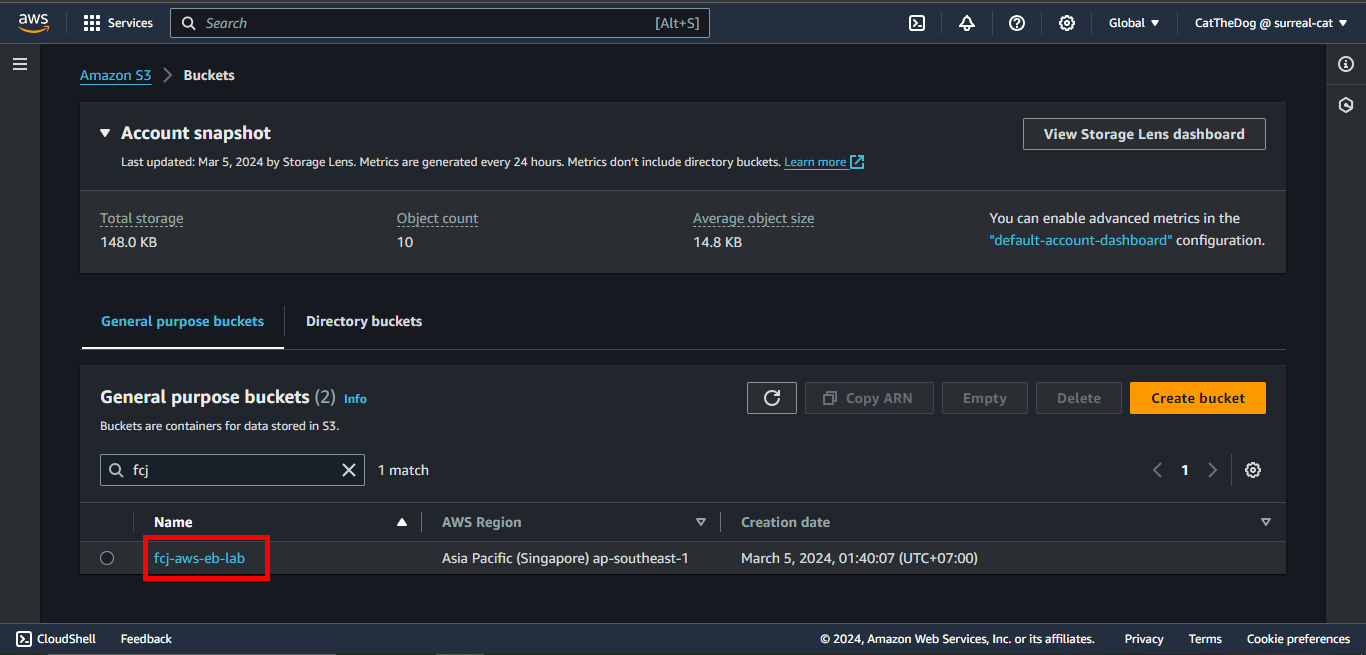
- Click the bucket you have created.
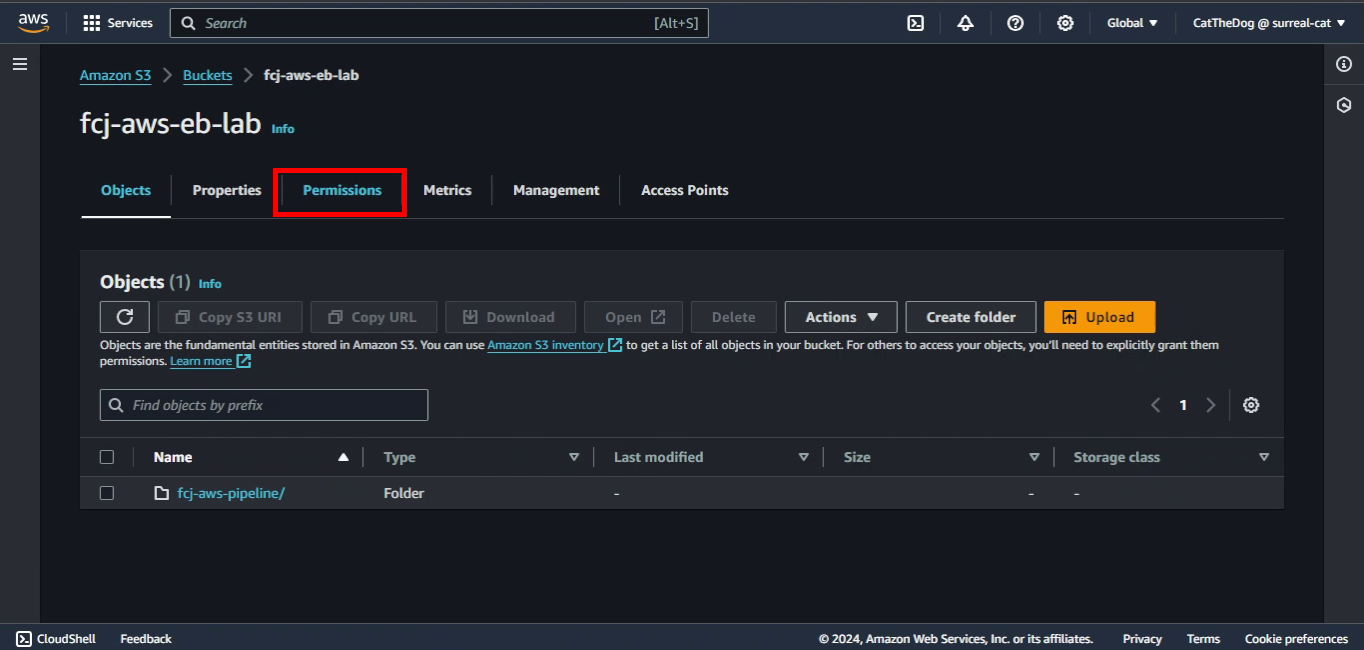
- Select the Permissions tab.
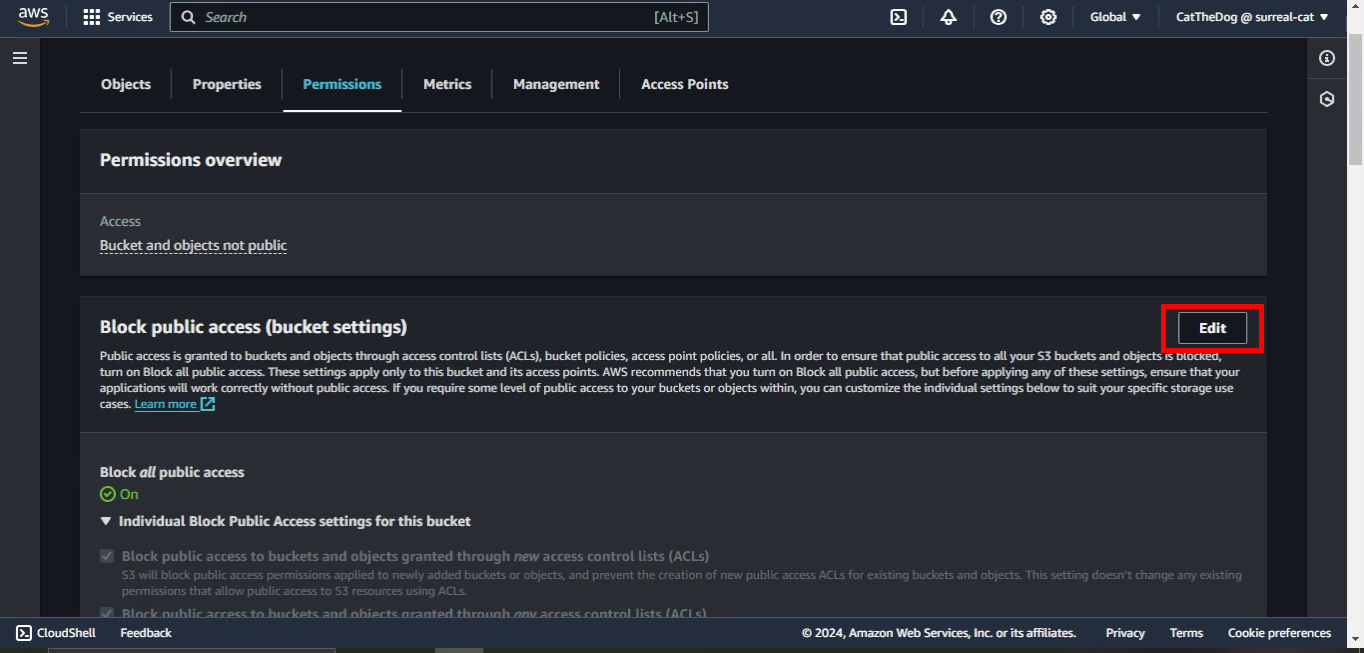
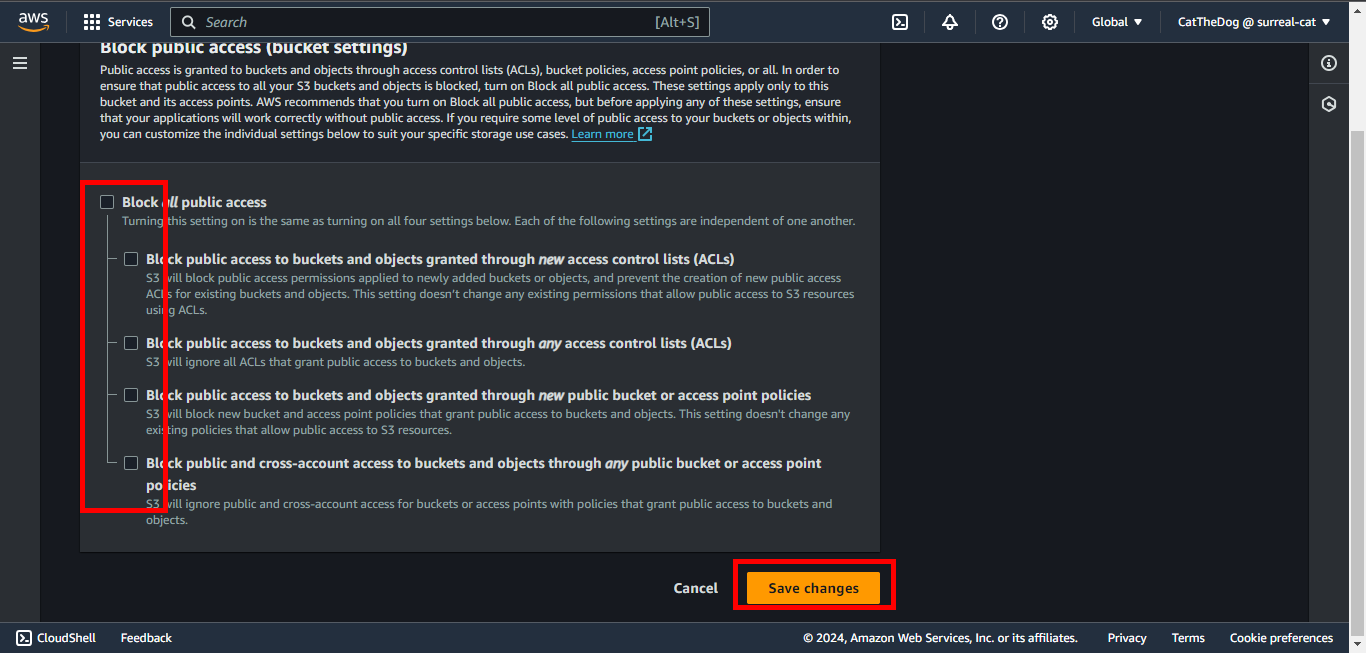
- In the Block public access section, select Edit.
- Uncheck all then select Save change.
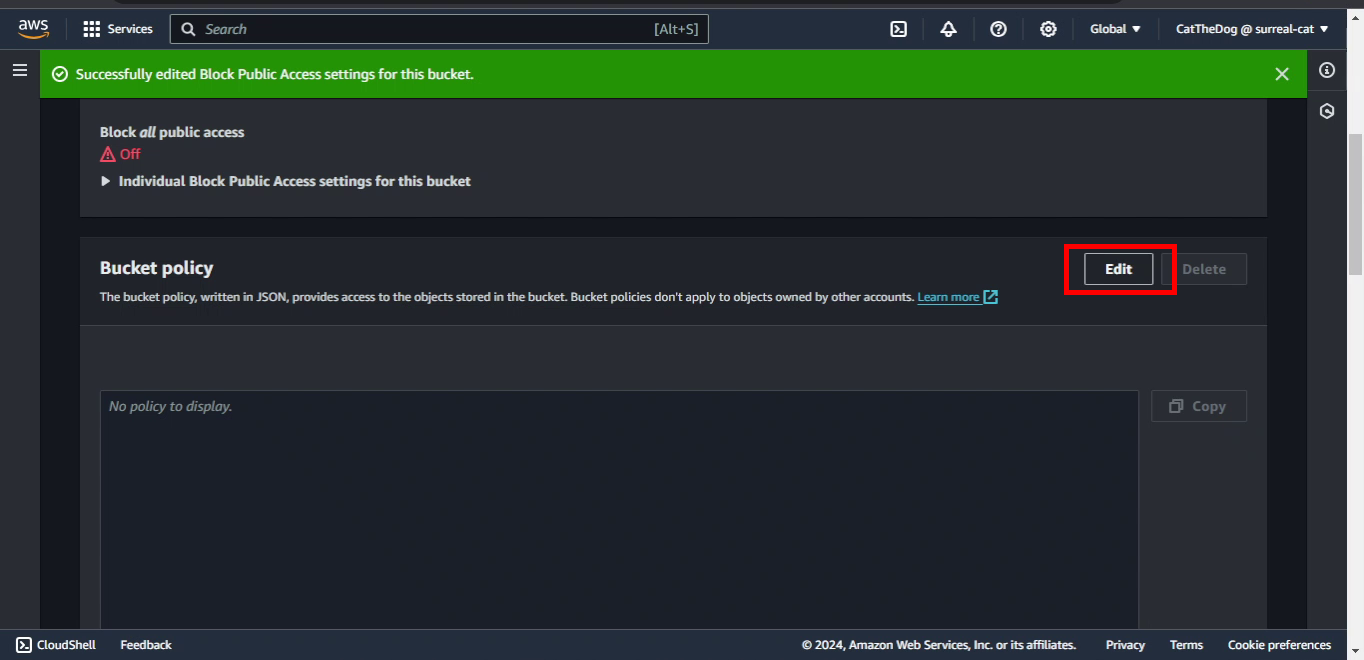
- Select Edit bucket policy.
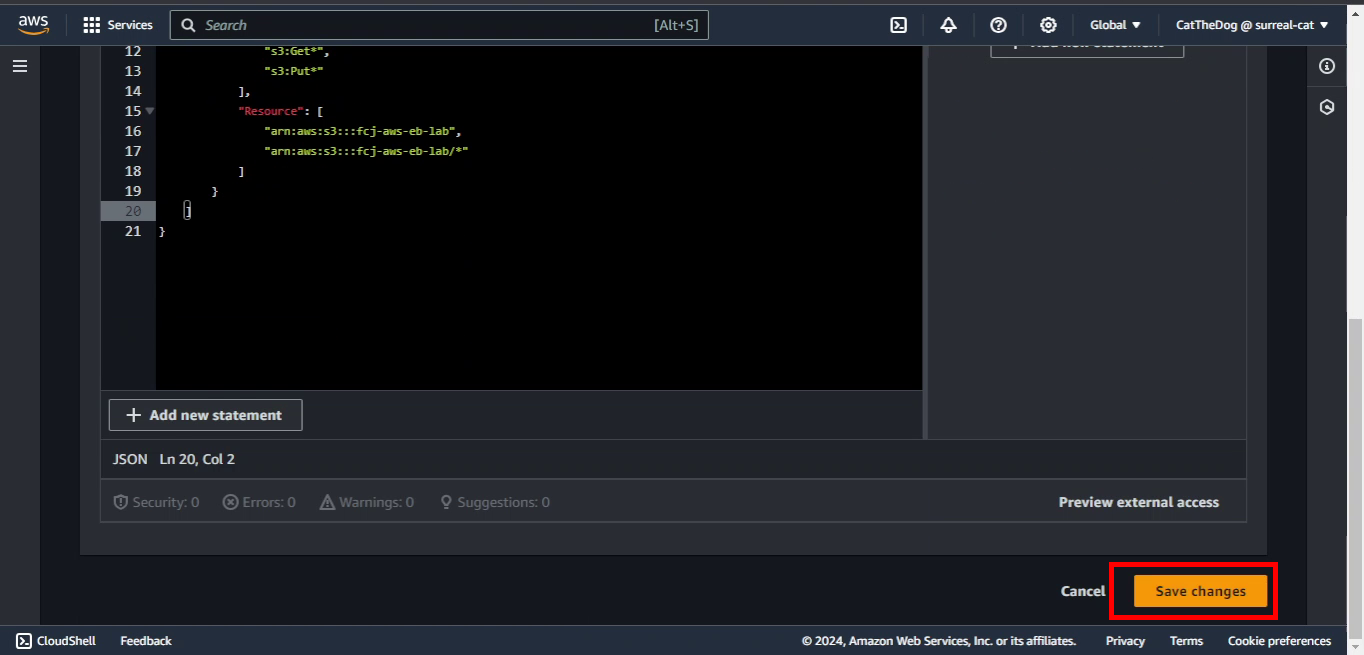
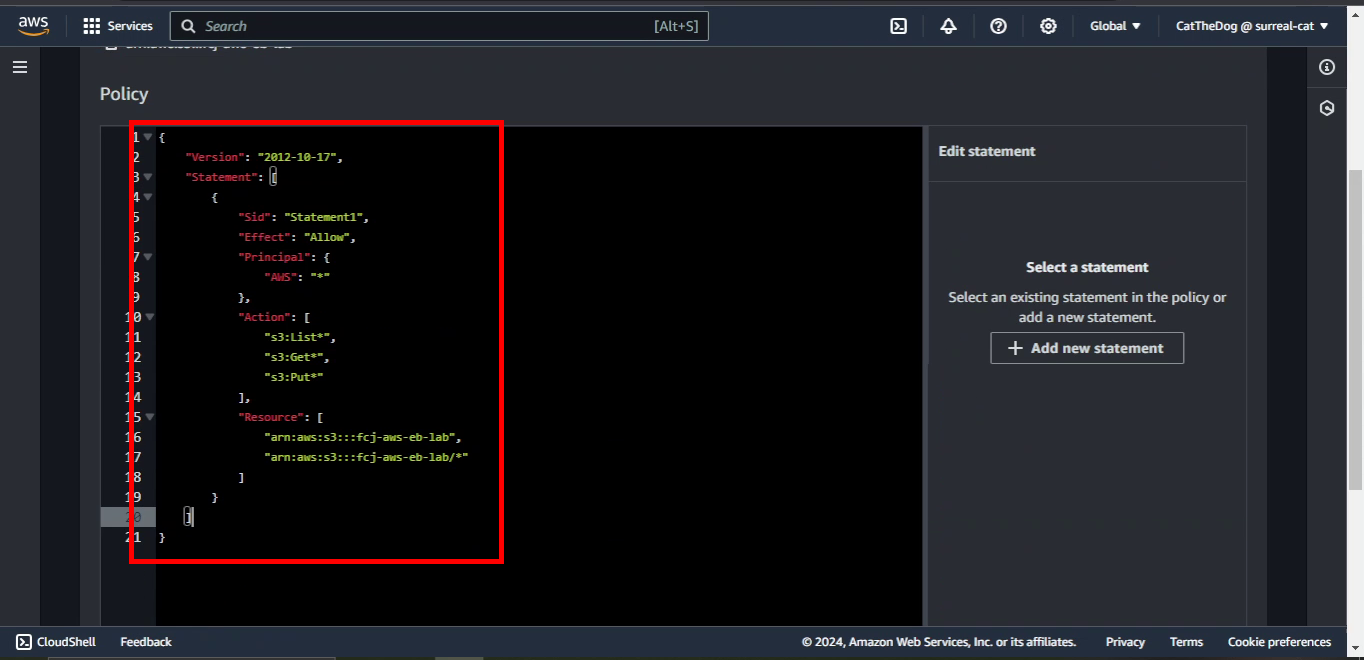
- Enter the Policy as below:
json
{
    "Version": "2012-10-17",
    "Statement": [
        {
            "Sid": "Statement1",
            "Effect": "Allow",
            "Principal": {
                "AWS": "*"
            },
            "Action": [
                "s3:List*",
                "s3:Get*",
                "s3:Put*"
            ],
            "Resource": [
                "arn:aws:s3:::fcj-aws-eb-lab",
                "arn:aws:s3:::fcj-aws-eb-lab/*"
            ]
        }
    ]
}- In the
Principalblock, we allow all AWS Services to perform all actions stated withList,GetandPuton the S3 bucket and objects inside it.
- Click Save change.