Create EC2 Instance Profile
Mục lục
Create a new EC2 Instance Profile
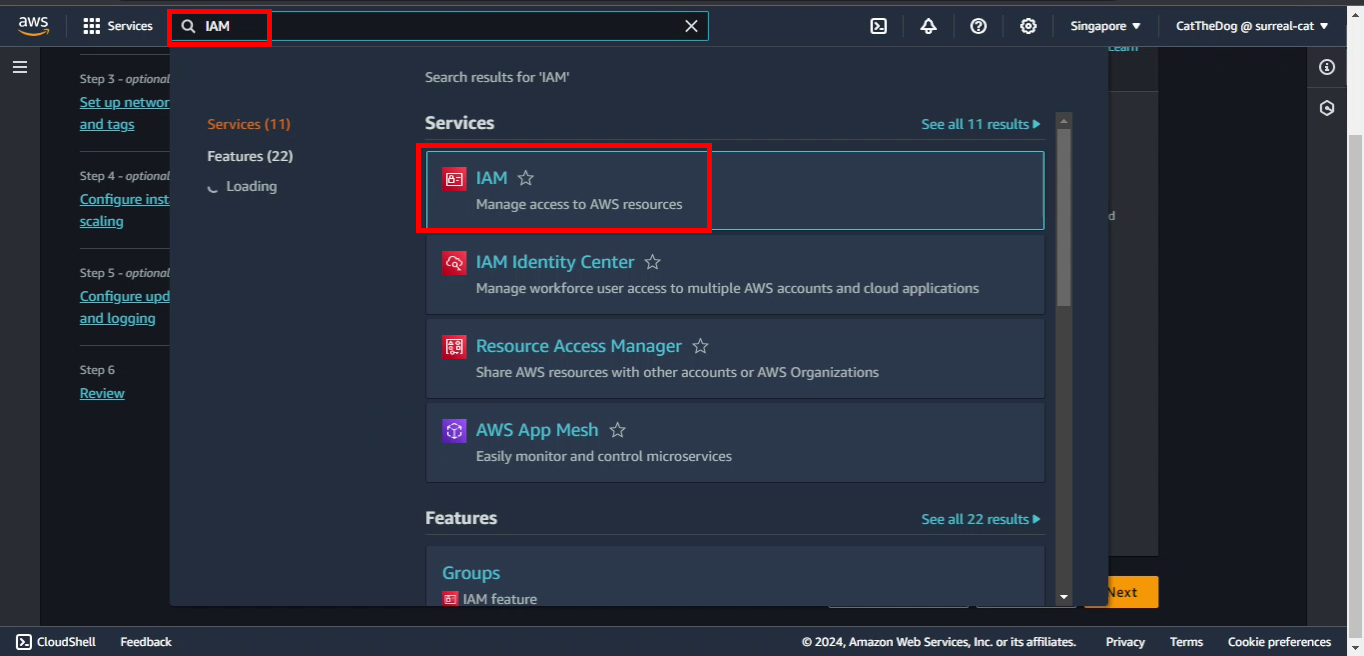
- Find
IAM, select IAM.
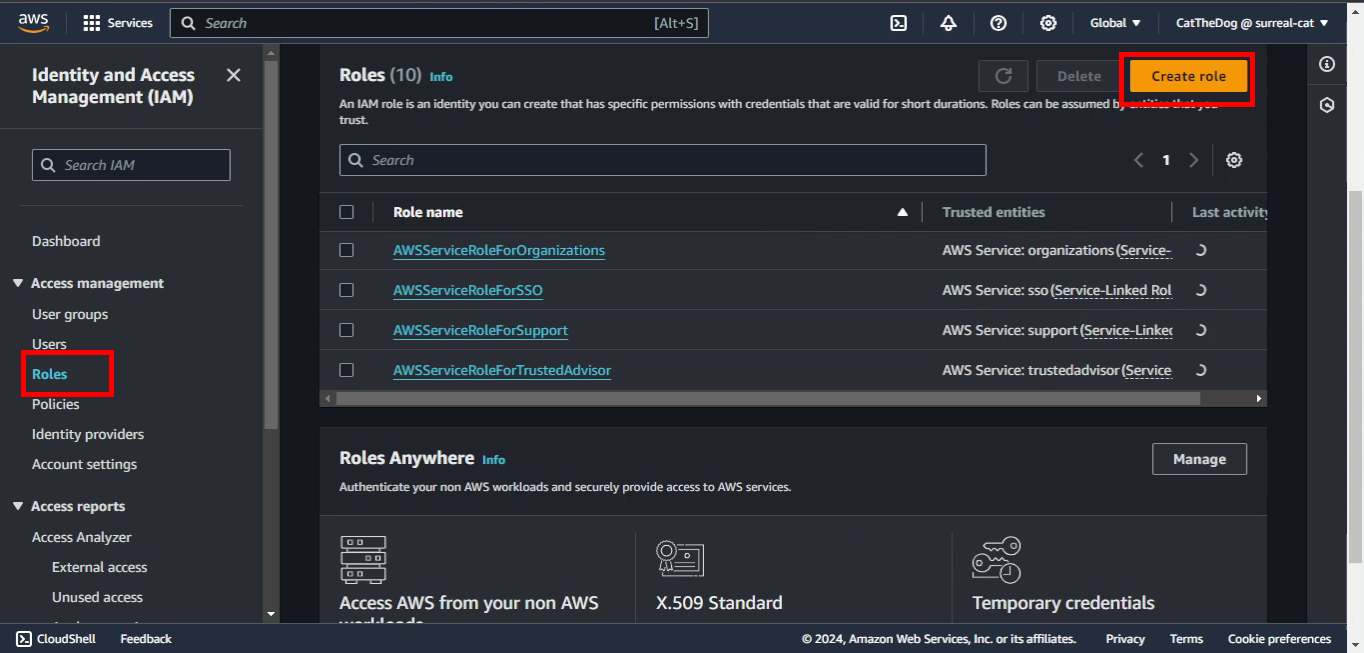
- Select Roles then click Create role.
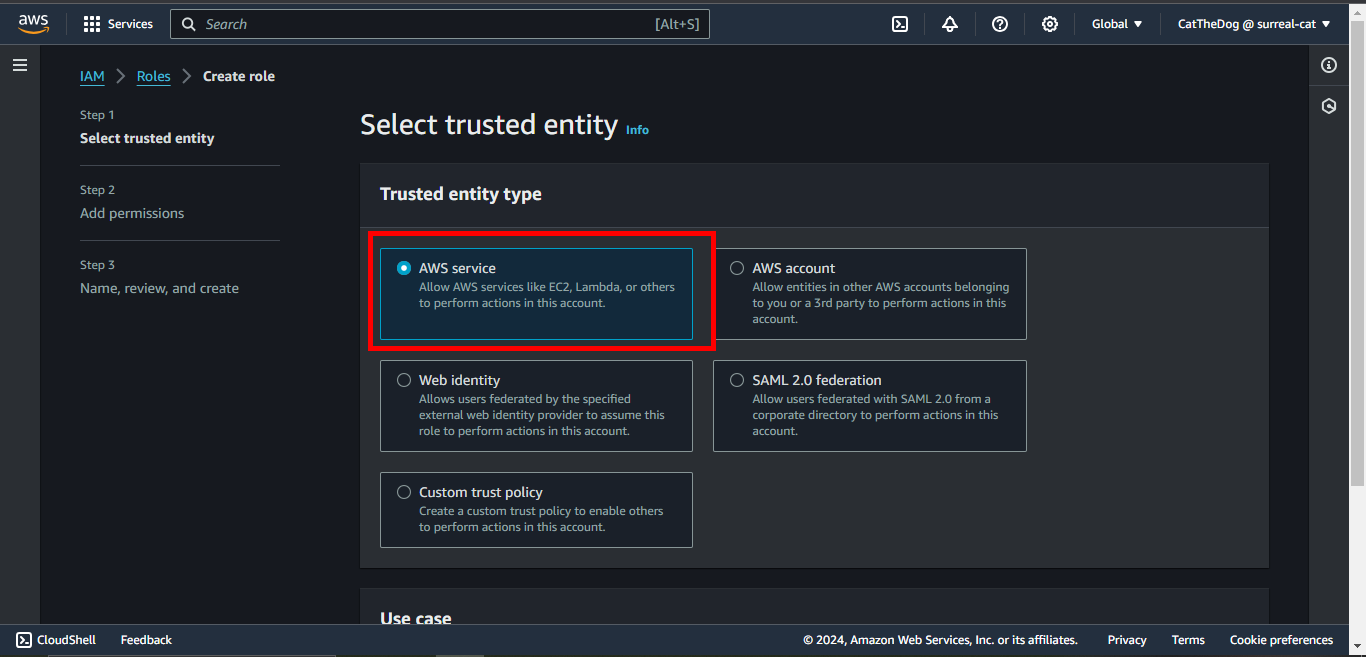
- Select AWS Service for Trusted entity type.
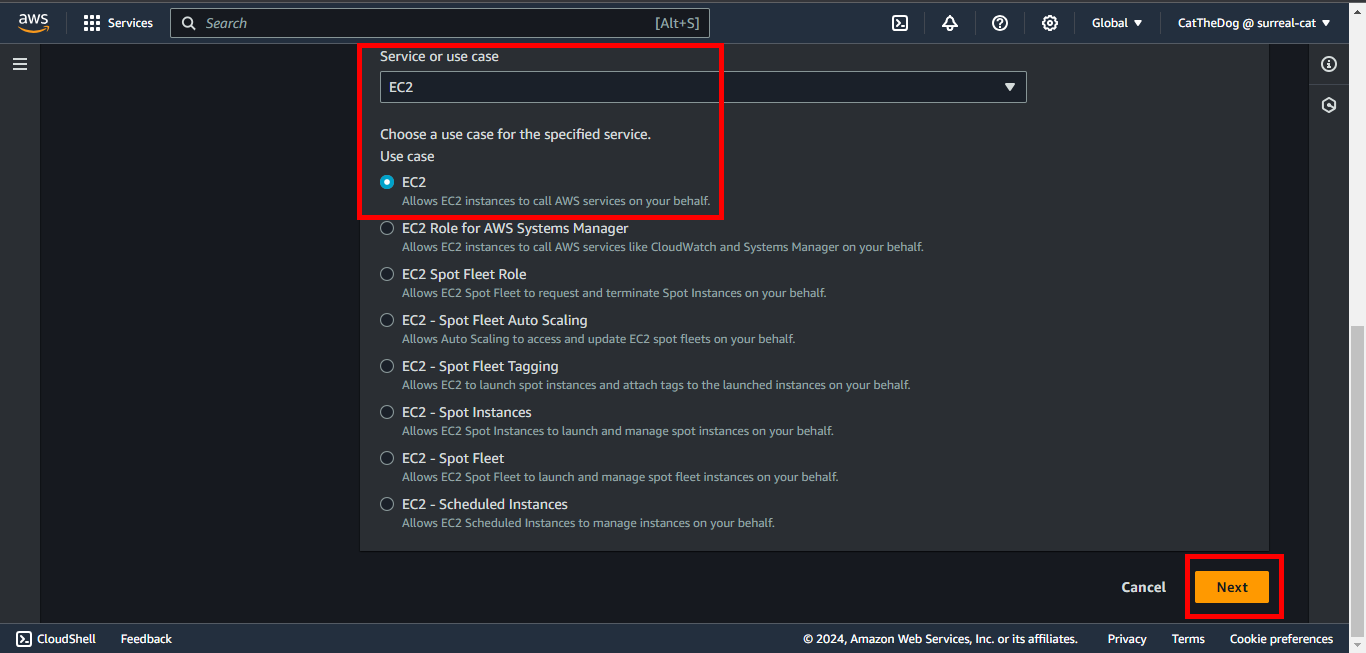
- Scroll down and select EC2, then click Next.
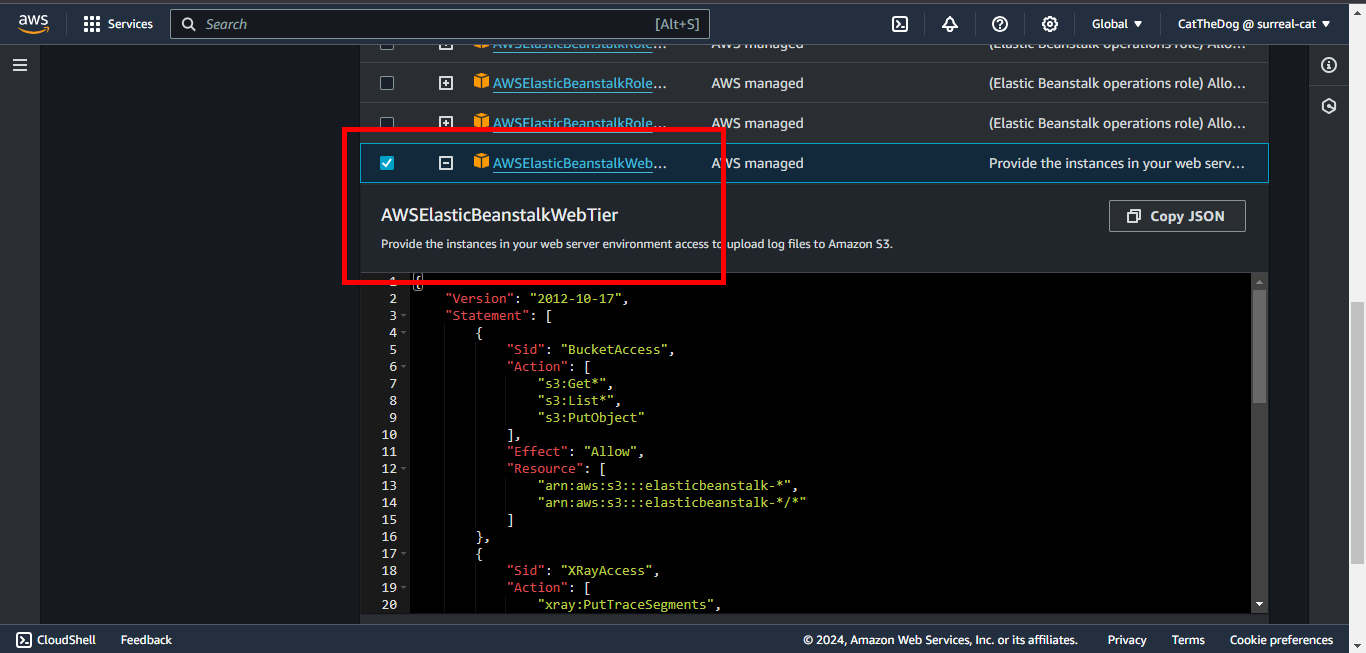
- Find and select
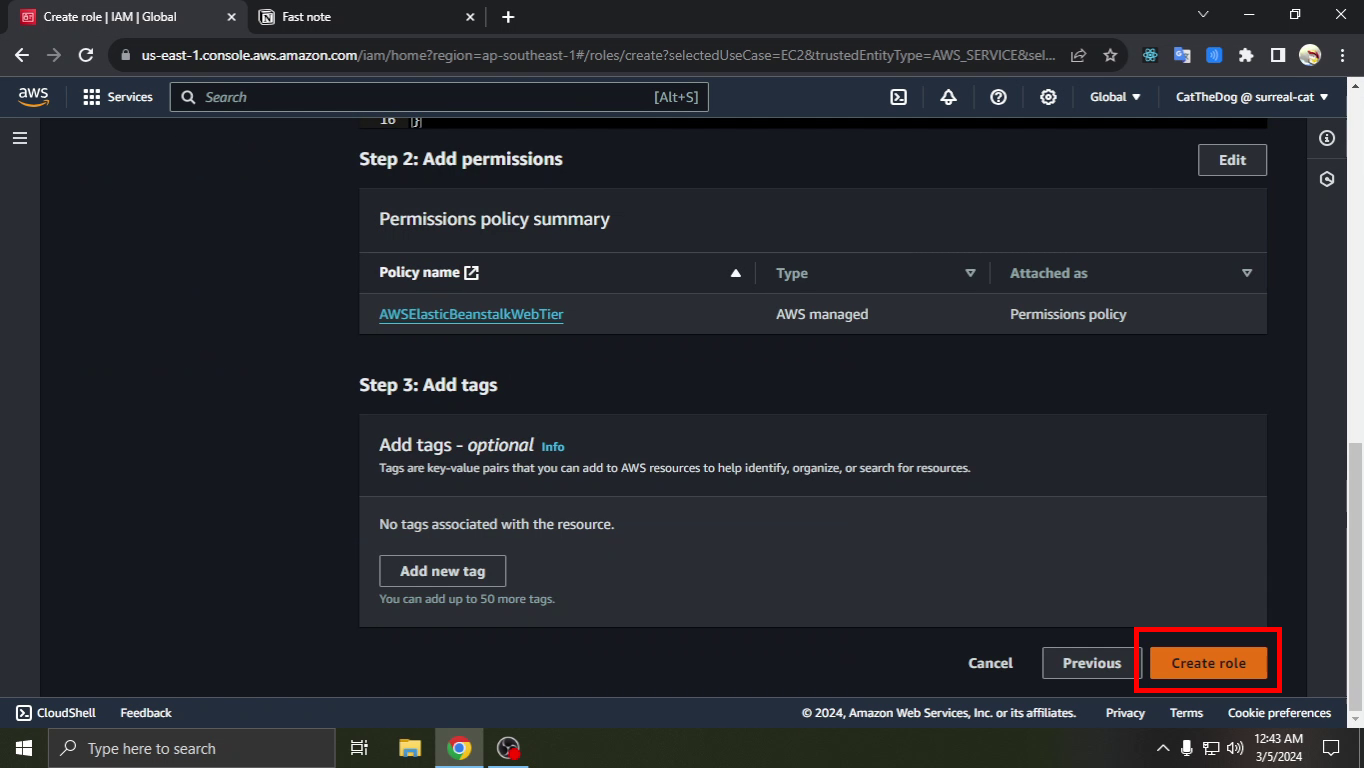
AWSElasticBeanstalkWebTierpolicy.
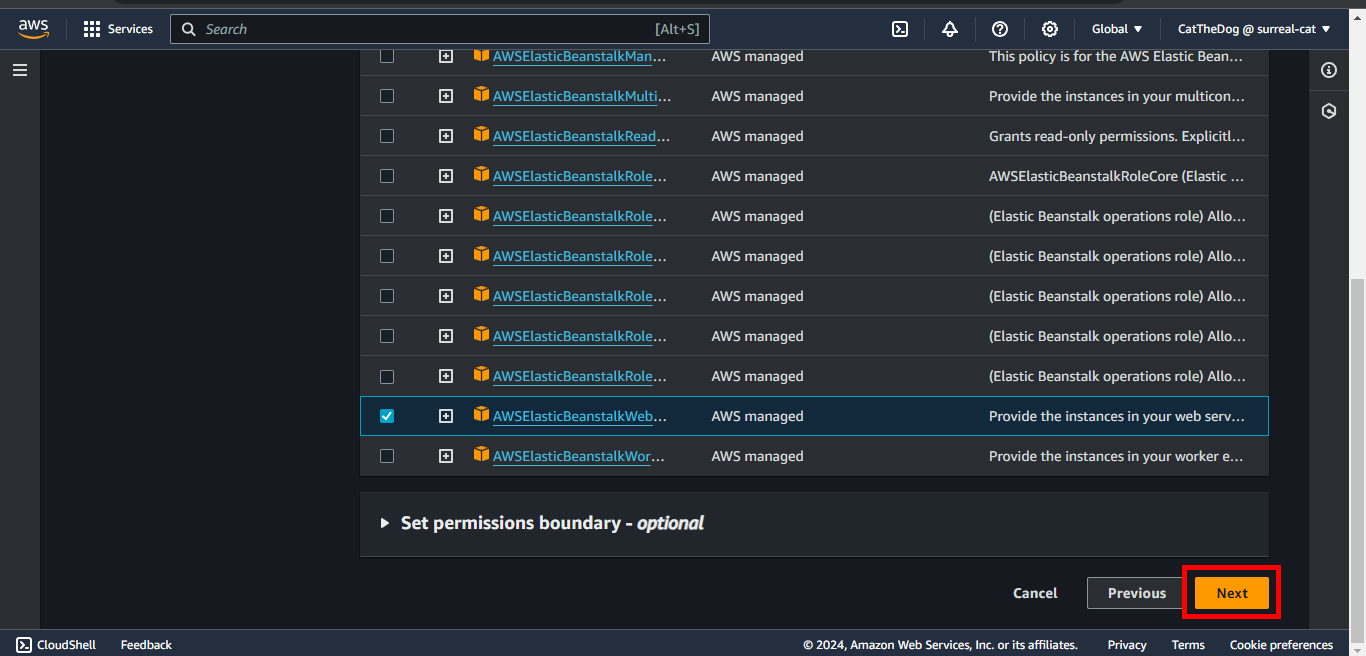
- Click Next.
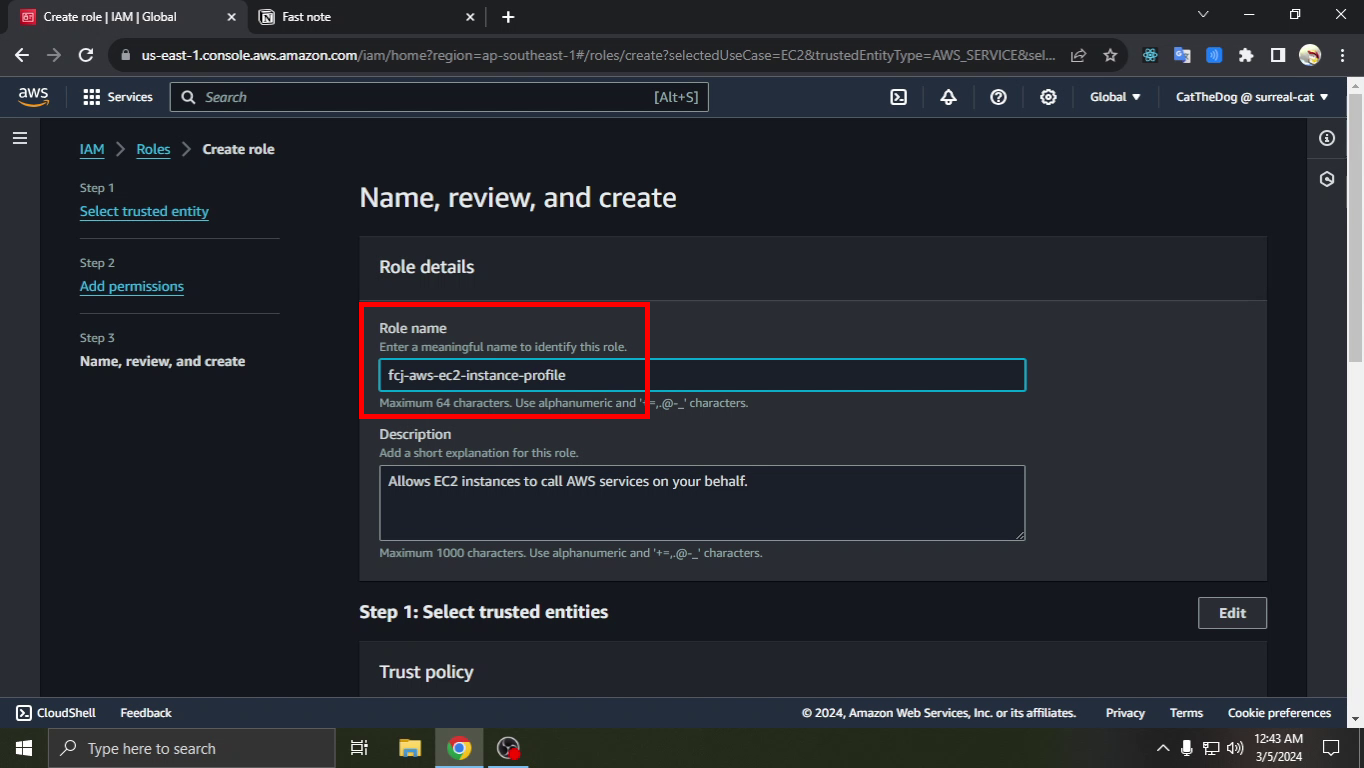
- Enter
fcj-aws-ec2-instance-profilefor Role name.
- Click Create role.