Cleanup
Table of Contents
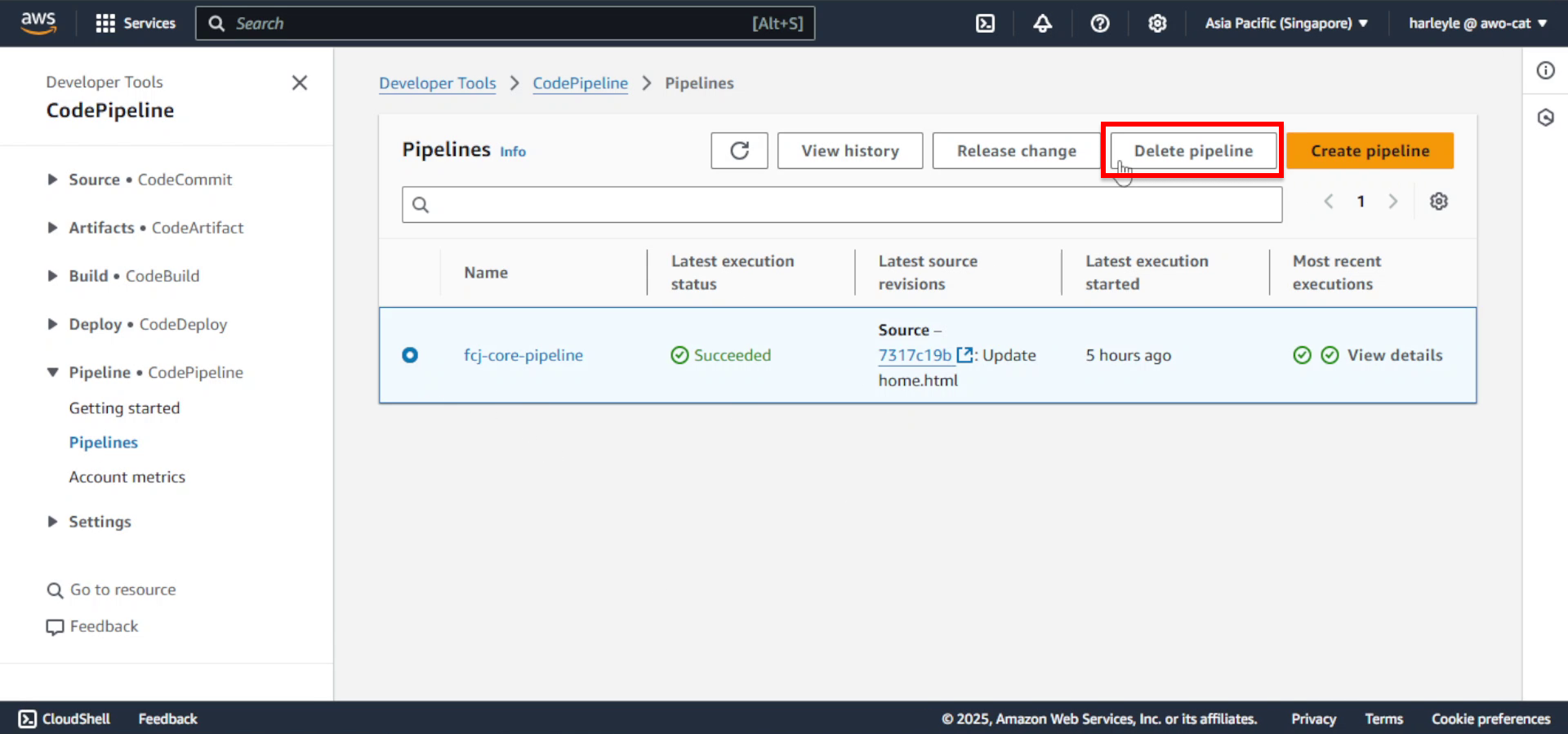
Delete the CI/CD Pipeline
1. Navigate to CodePipeline.
2. Select Pipelines in the left navigation pane.
3. Select fcj-core-pipeline.
4. Click Delete pipeline.
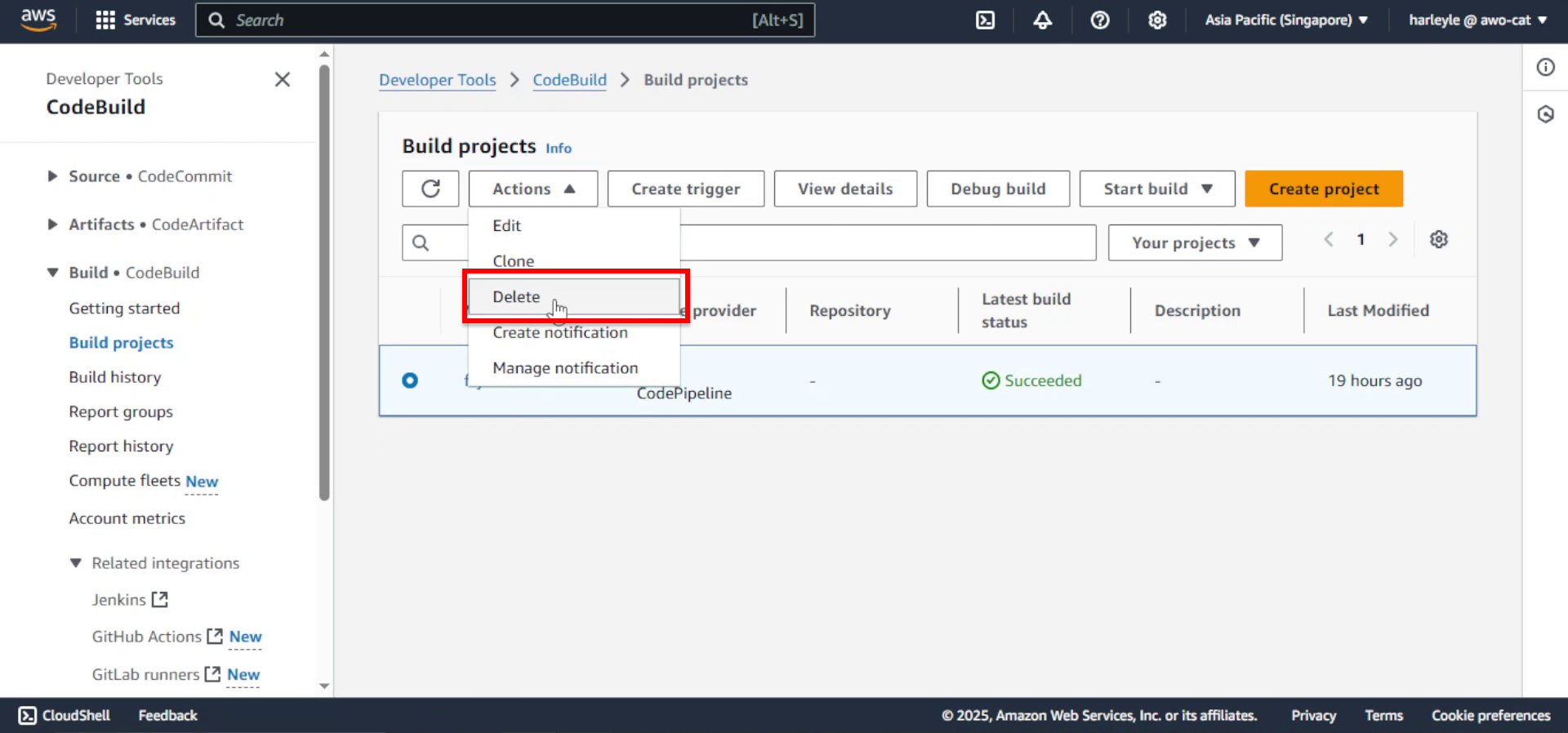
Delete the Build Project
1. Navigate to CodeBuild.
2. Select Build projects.
3. Select fcj-core-build.
4. Click Actions > Delete.
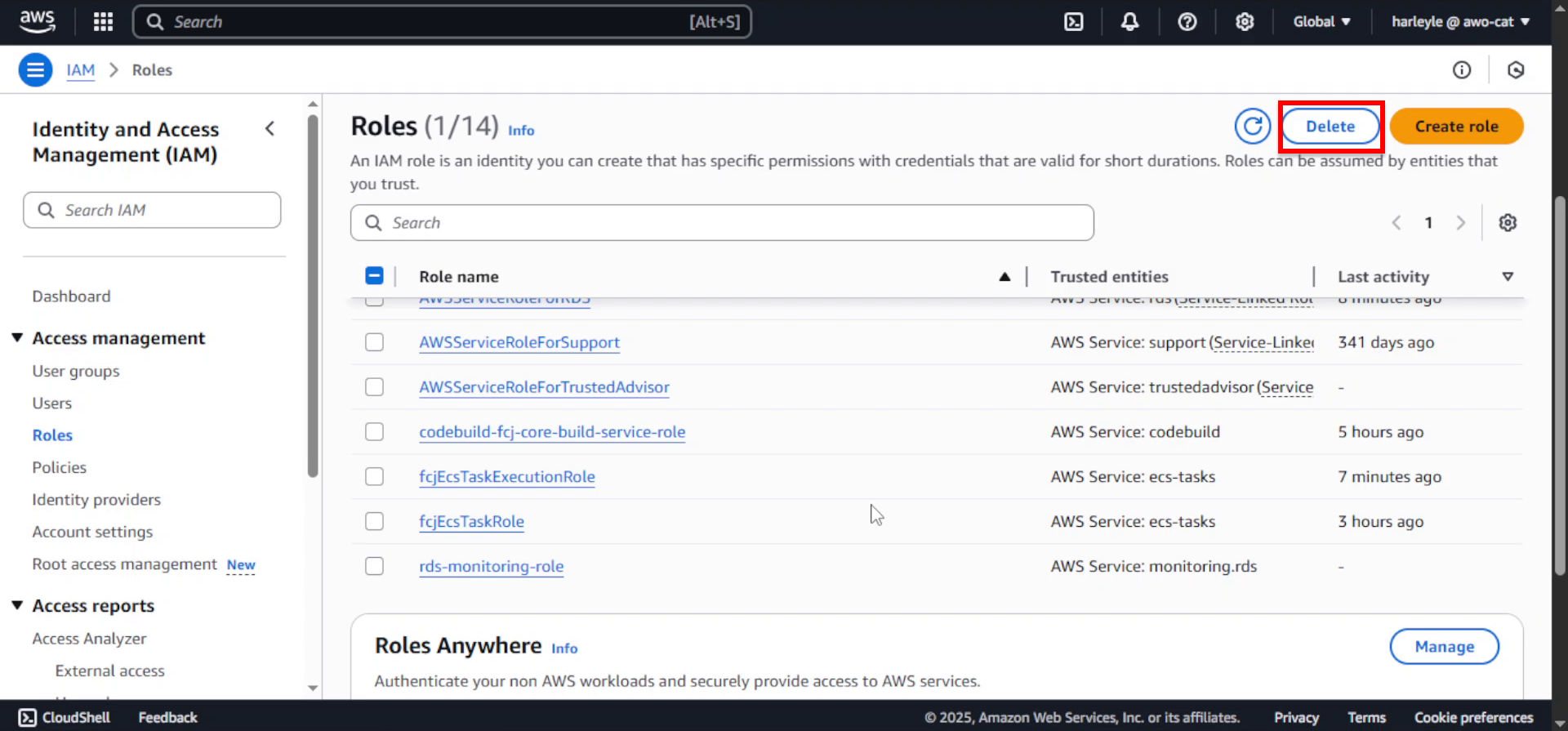
Delete Roles and Policies
1. Navigate to IAM.
2. Select Roles.
3. Delete all roles that start with fcj or contain codepipeline or codebuild.
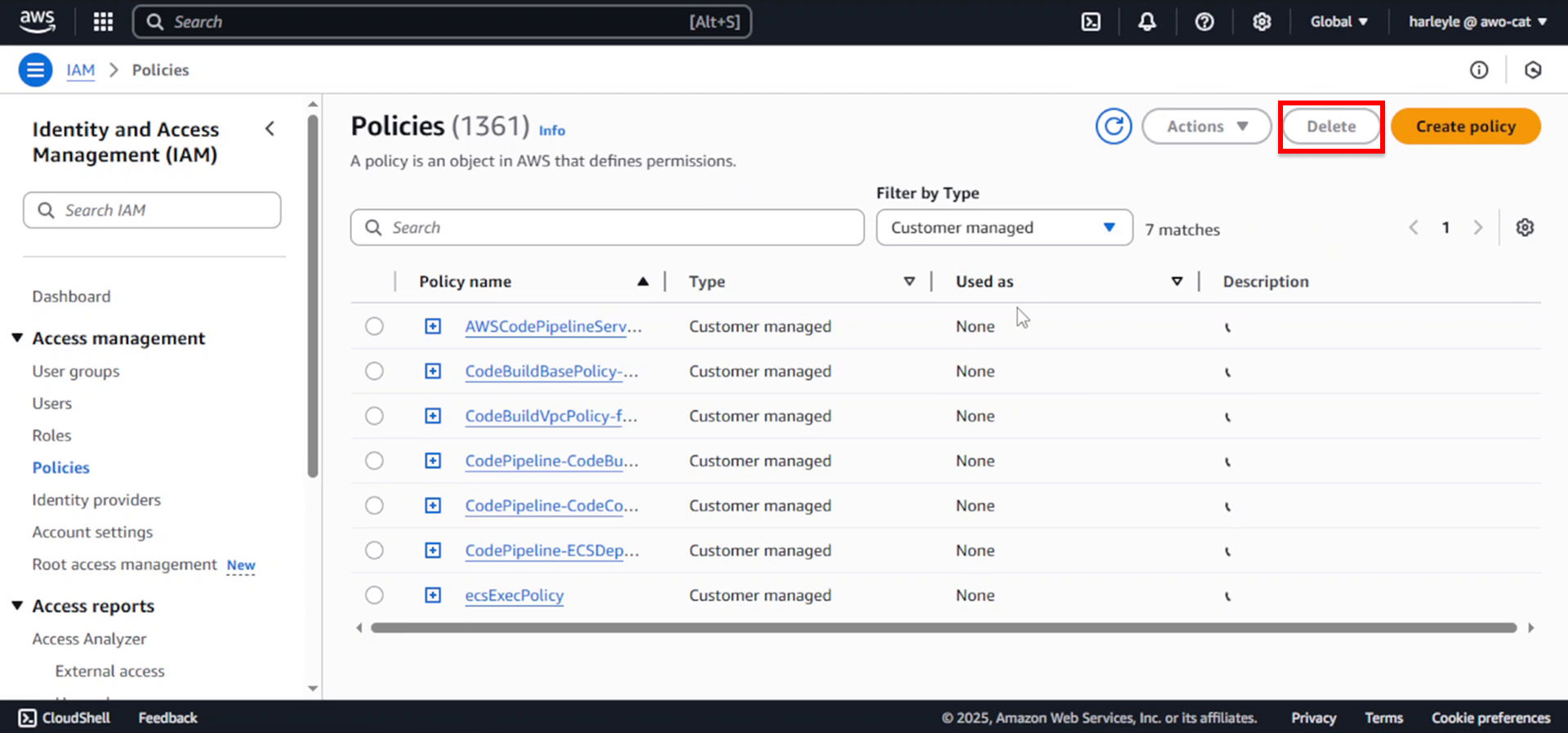
4. Select Policies.
5. For Filter by Type, select Customer managed.
6. Delete all custom policies.
Delete the VPC Endpoint
1. Navigate to VPC.
2. In the left navigation pane, select Endpoints.
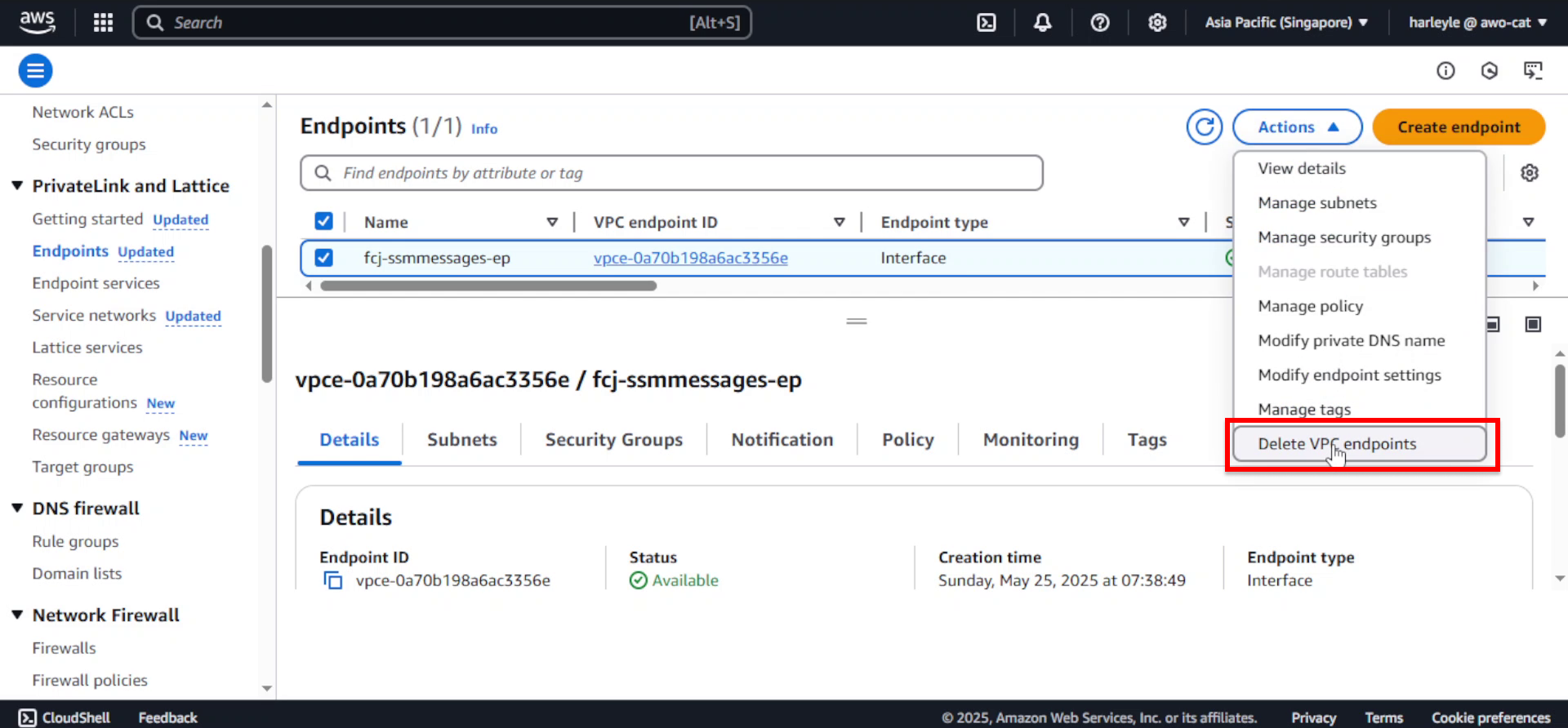
3. Select fcj-ssmmessages-ep.
4. Click Actions > Delete VPC endpoints.
Delete the ECS Cluster
1. Navigate to ECS.
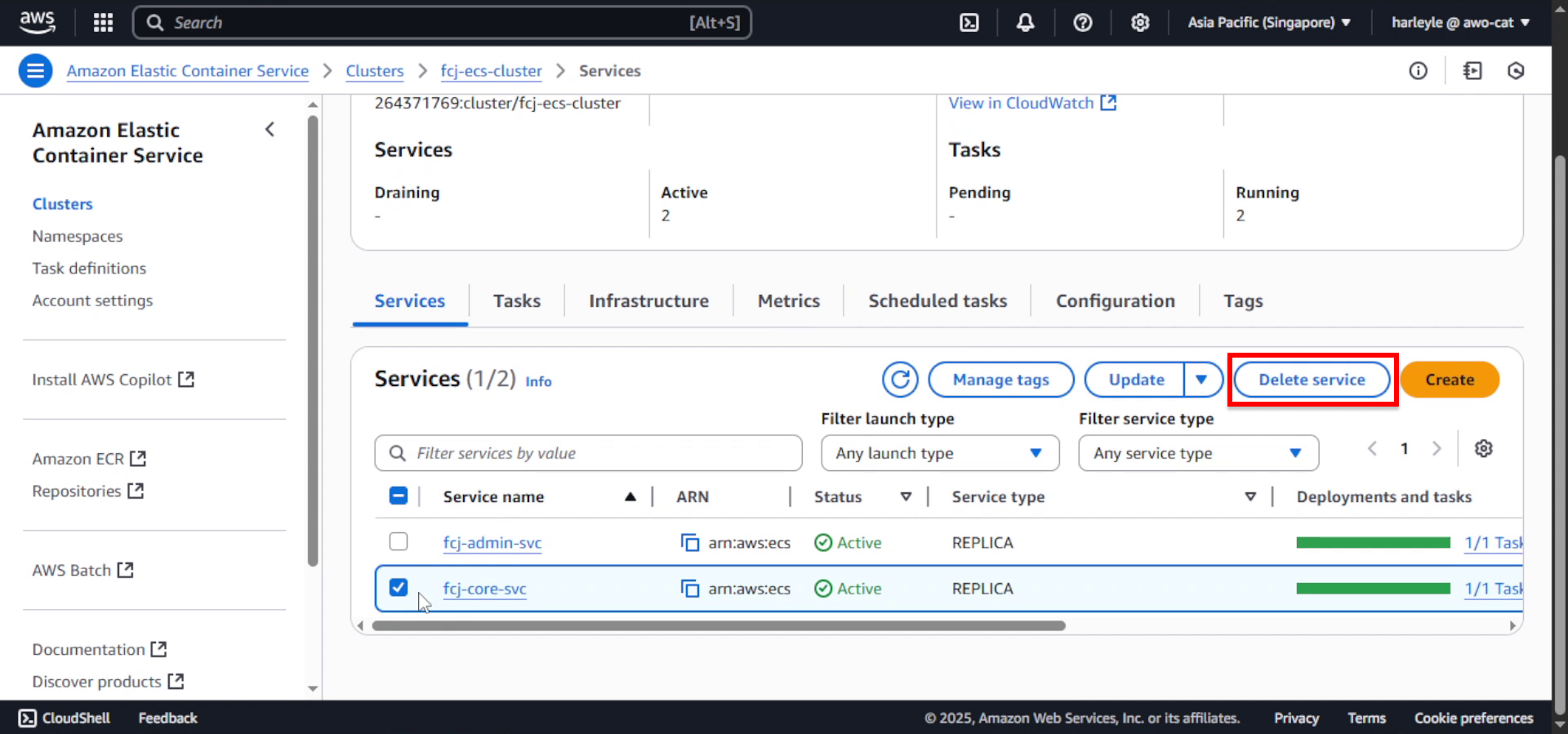
2. Delete the fcj-core-svc and fcj-admin-svc services.
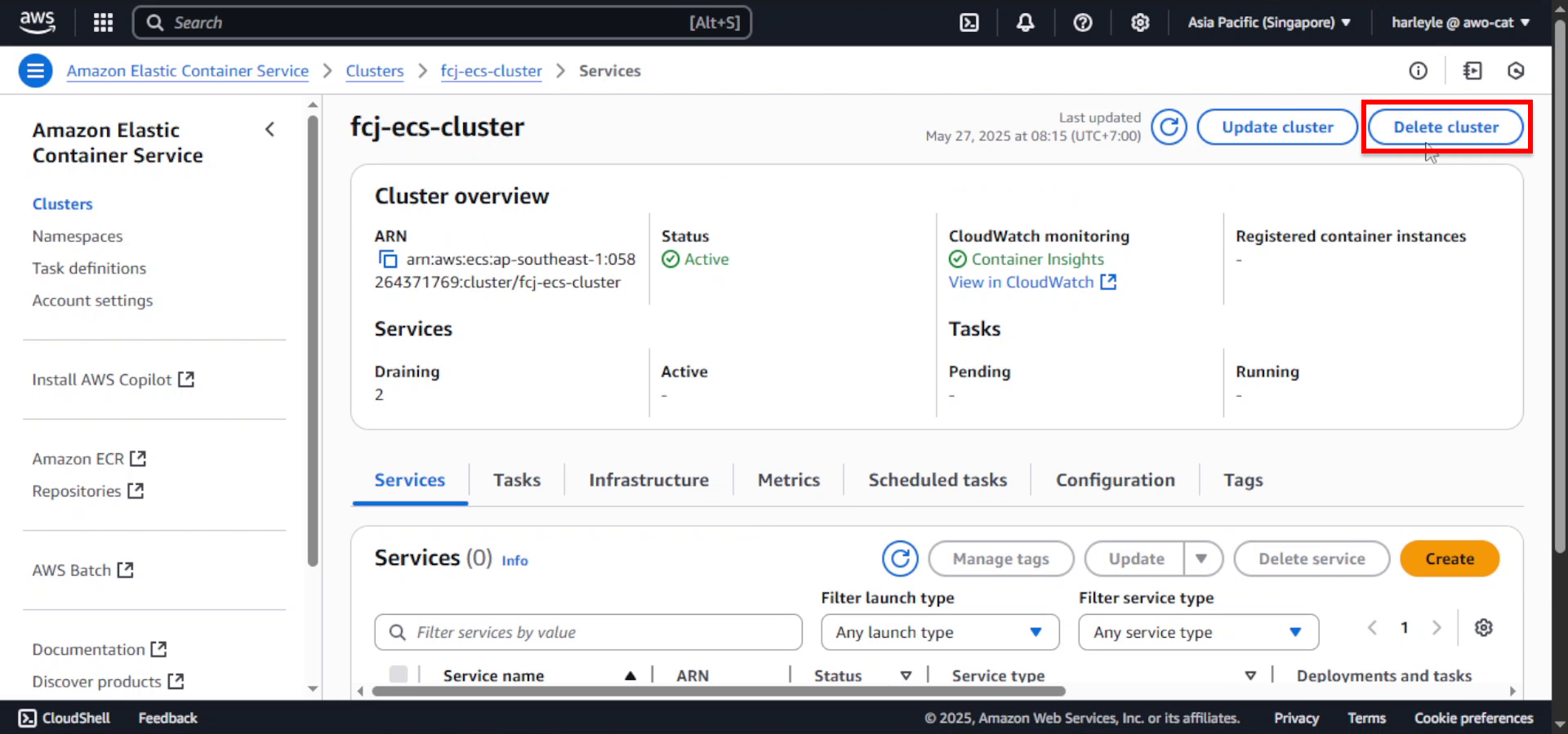
3. Delete the cluster.
Delete the Load Balancer and Target Groups
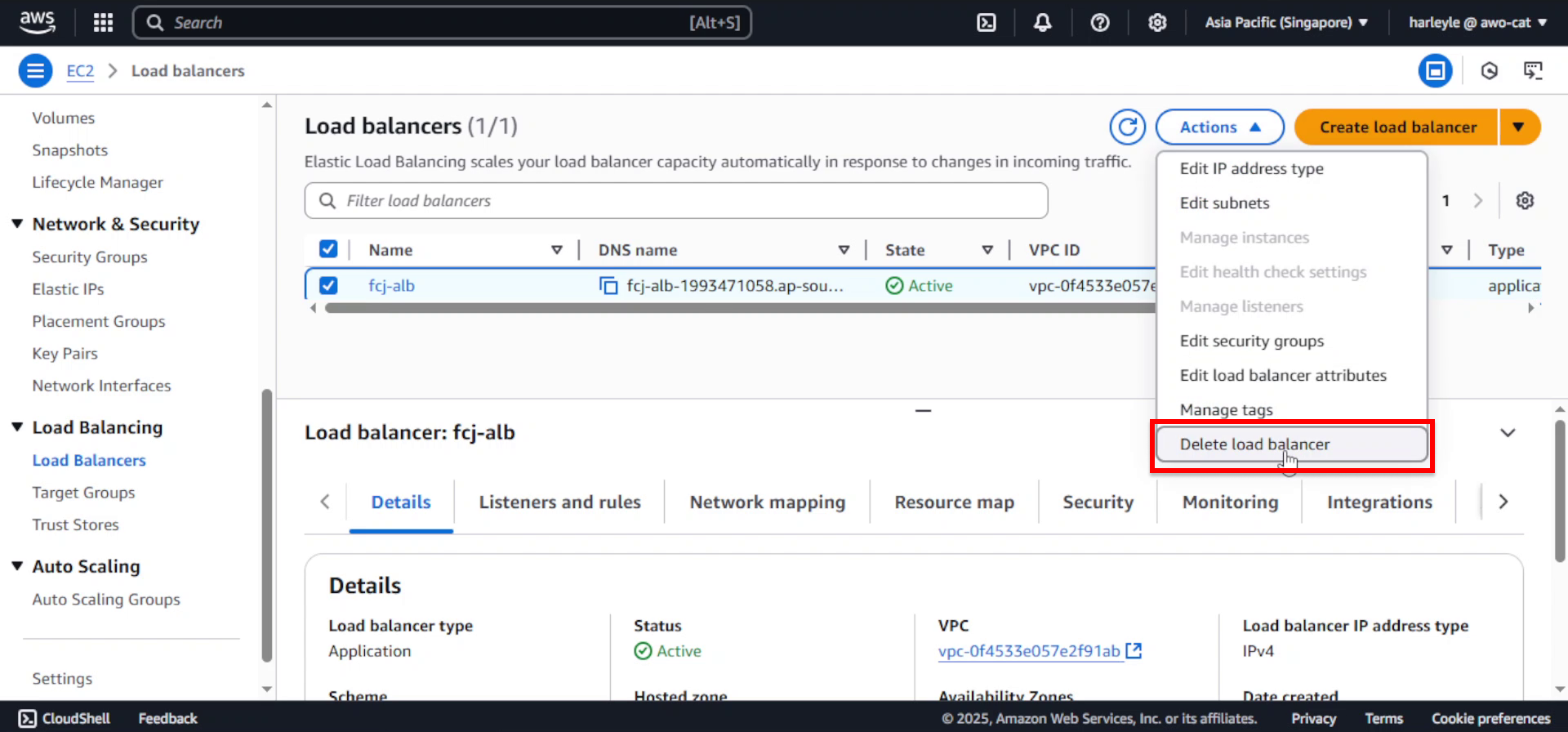
1. Navigate to EC2 and select Load Balancers.
2. Delete the load balancer.
3. Wait for the load balancer to be deleted.
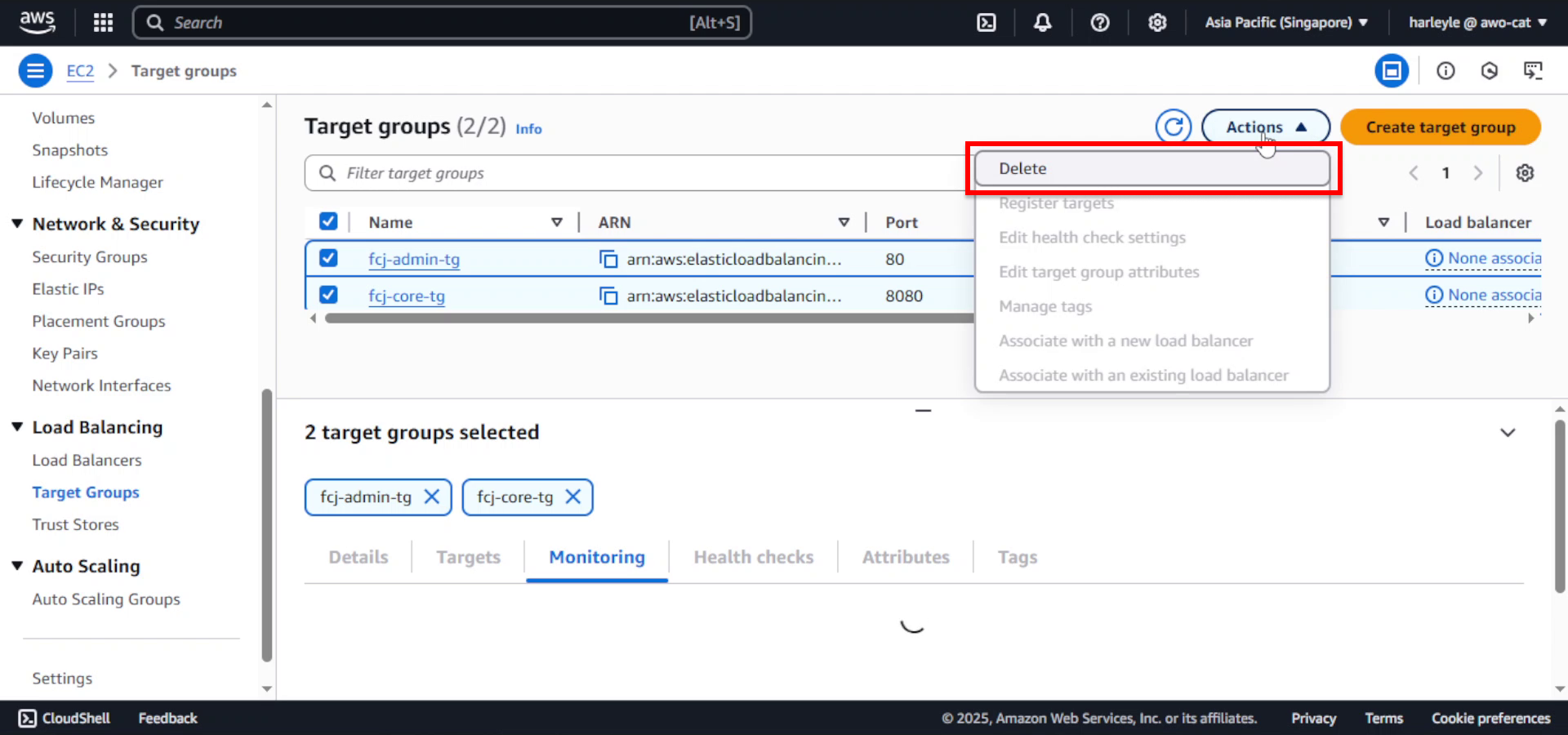
4. Select Target Groups.
5. Delete the fcj-core-tg and fcj-admin-tg target groups.
Delete the Database
1. Navigate to RDS and select Databases.
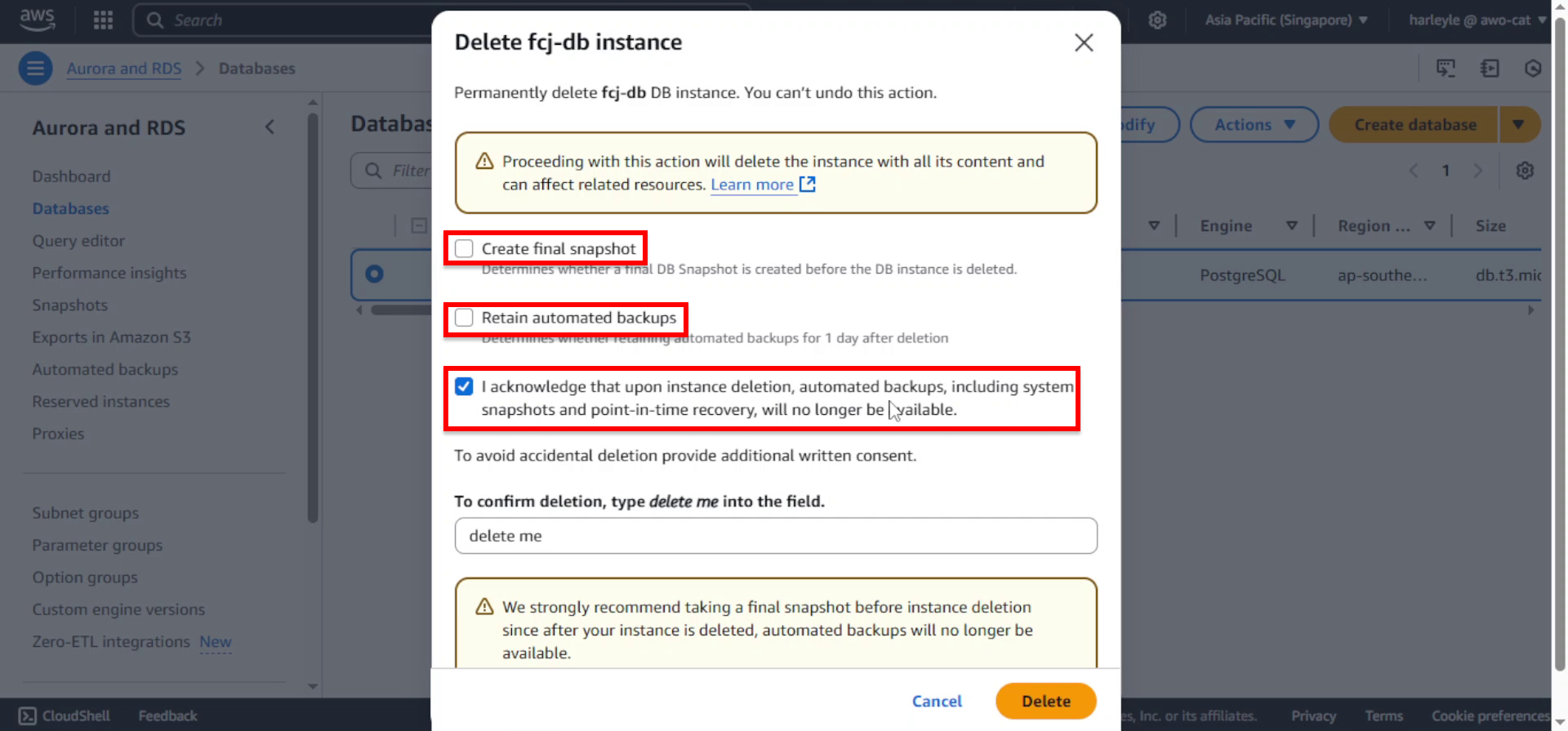
2. Select fcj-db and click Actions > Delete.
3. Uncheck Create final snapshot and Retain automated backups.
4. Click Delete.
Delete the Secret
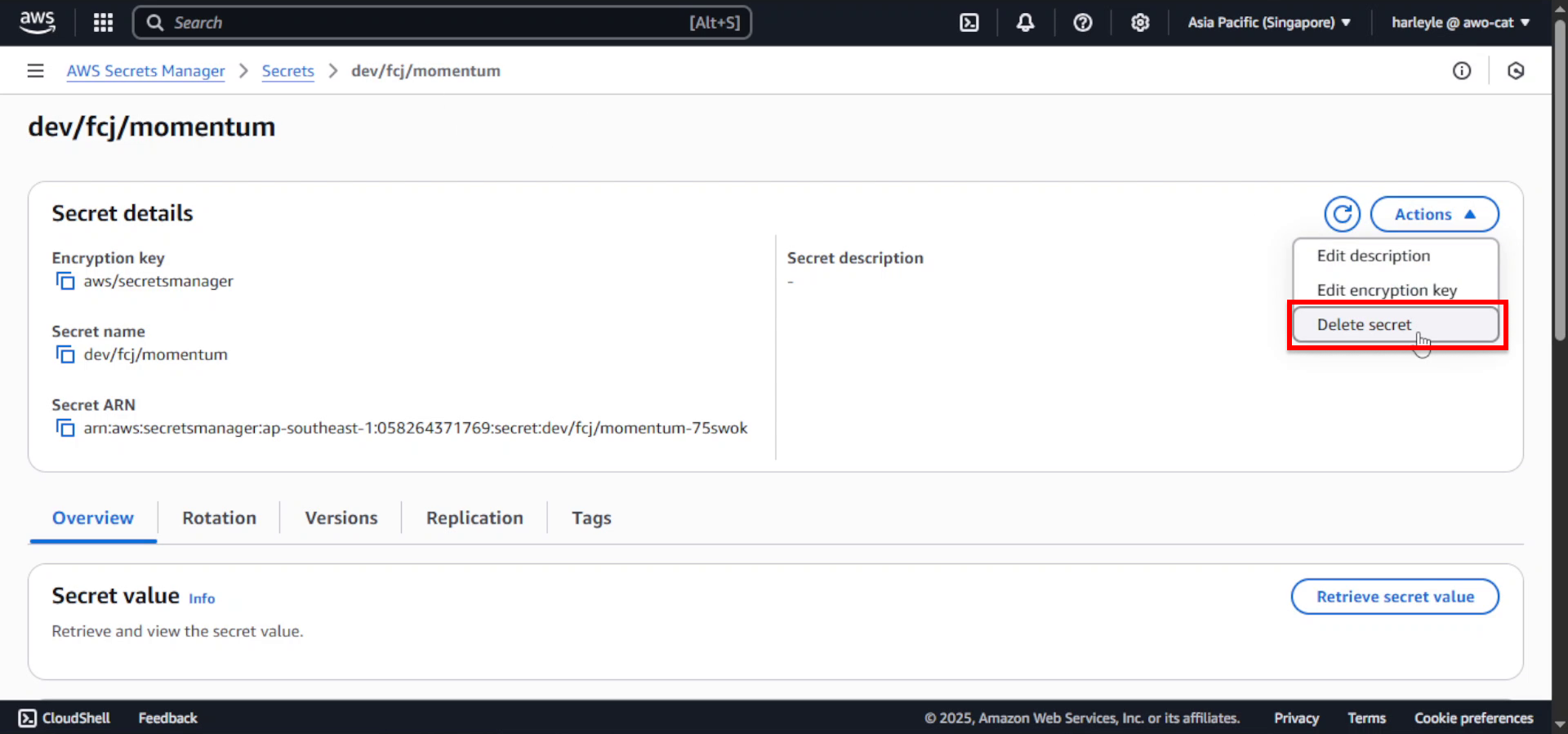
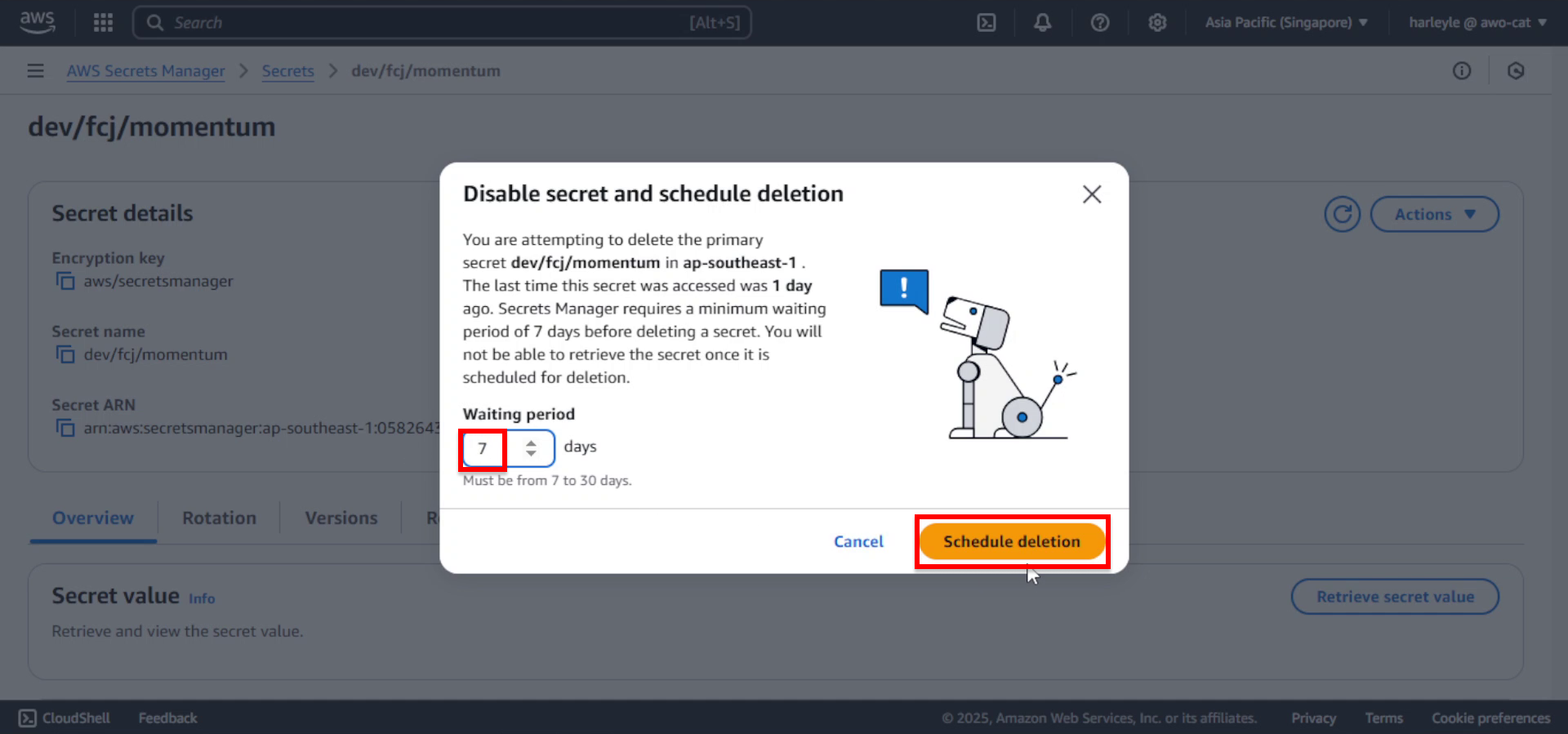
1. Navigate to Secrets Manager and click dev/fcj/momentum.
2. Click Actions > Delete secret.
3. Set Waiting period to 7.
4. Click Schedule deletion.
Delete the NAT Gateway
1. Navigate to VPC.
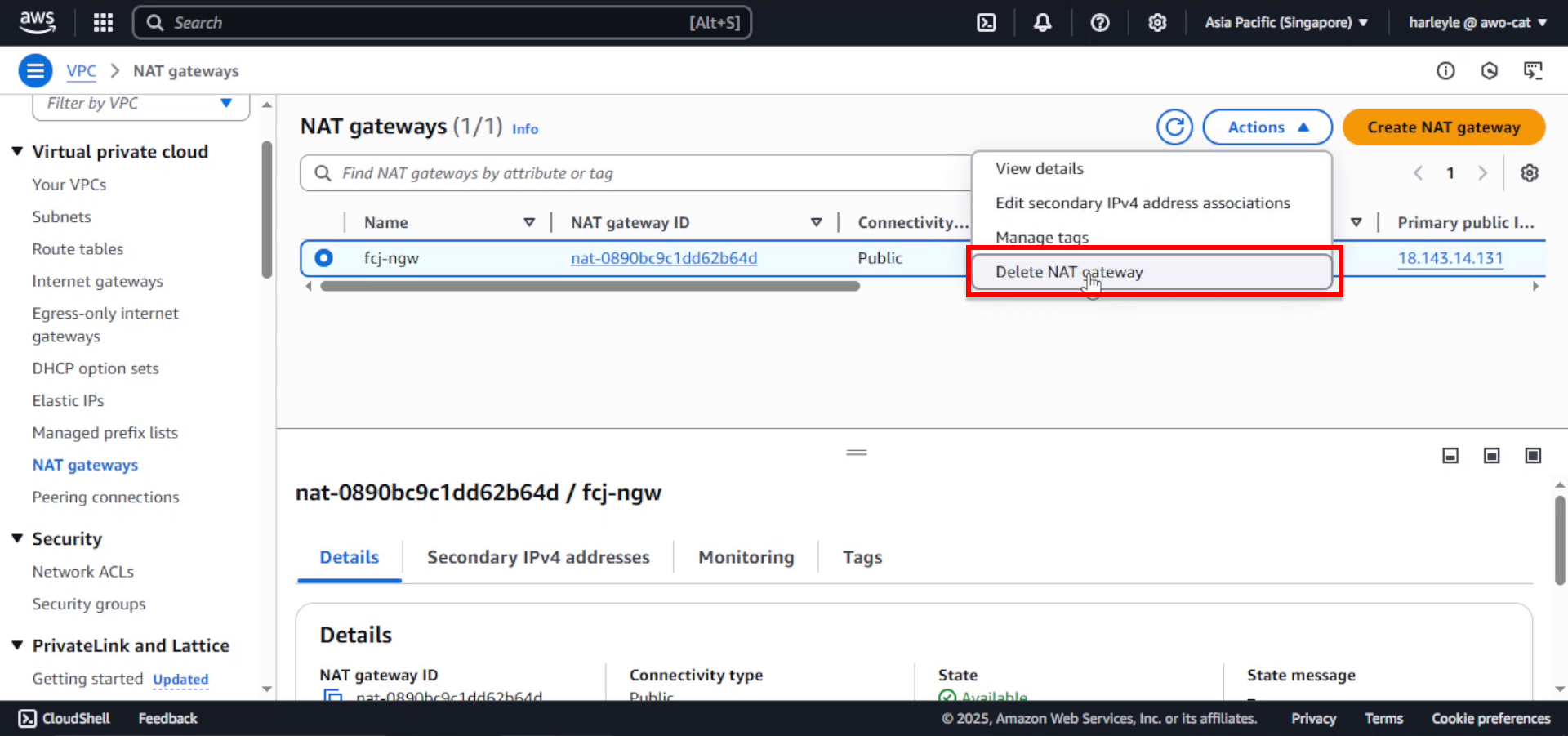
2. In the left navigation pane, select NAT Gateways.
3. Select fcj-ngw and click Actions > Delete NAT gateway.
4. Wait for the NAT gateway to be completely deleted.
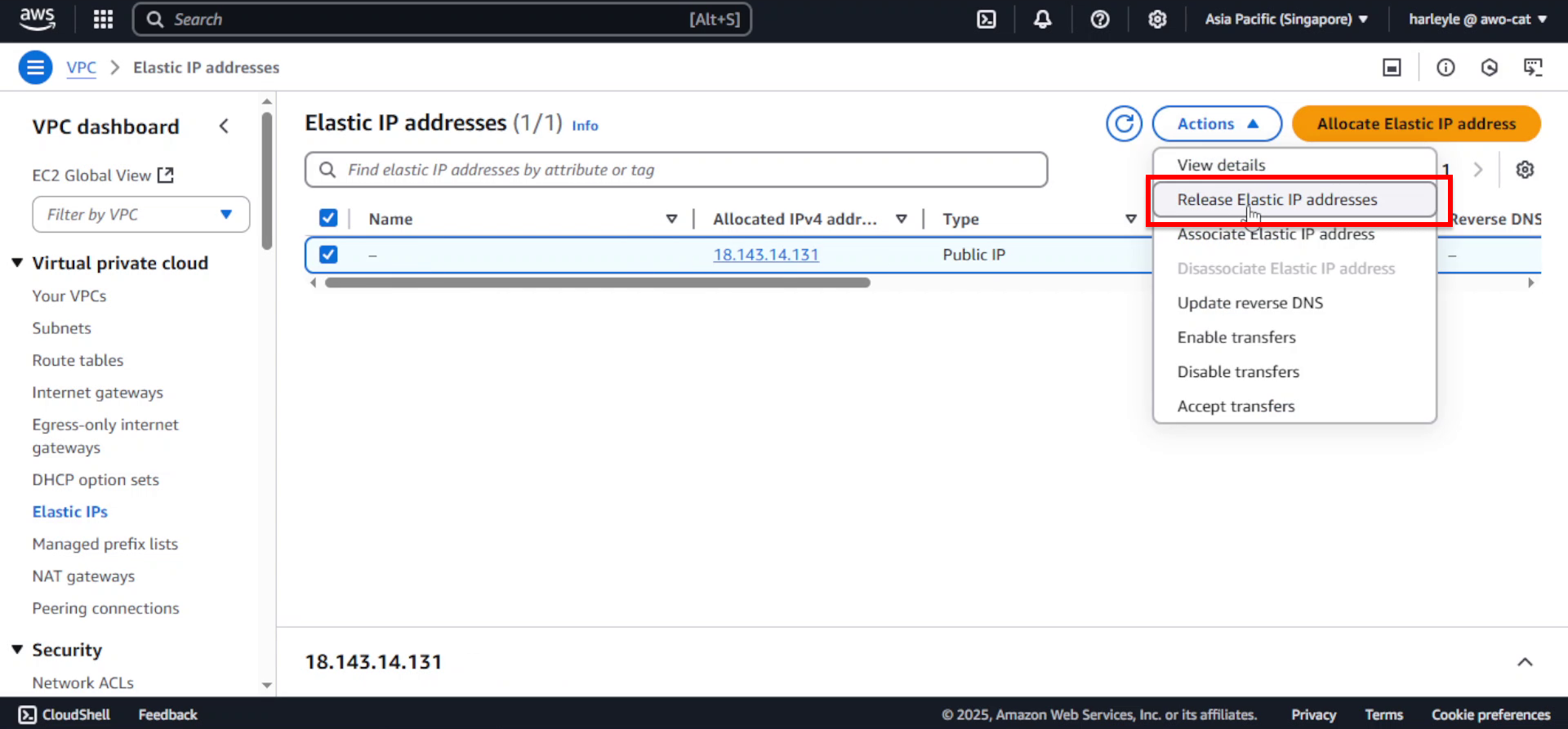
5. In the left navigation pane, select Elastic IPs.
6. Select the elastic IP and click Actions > Release Elastic IP addresses.
Delete the VPC
1. Navigate to VPC.
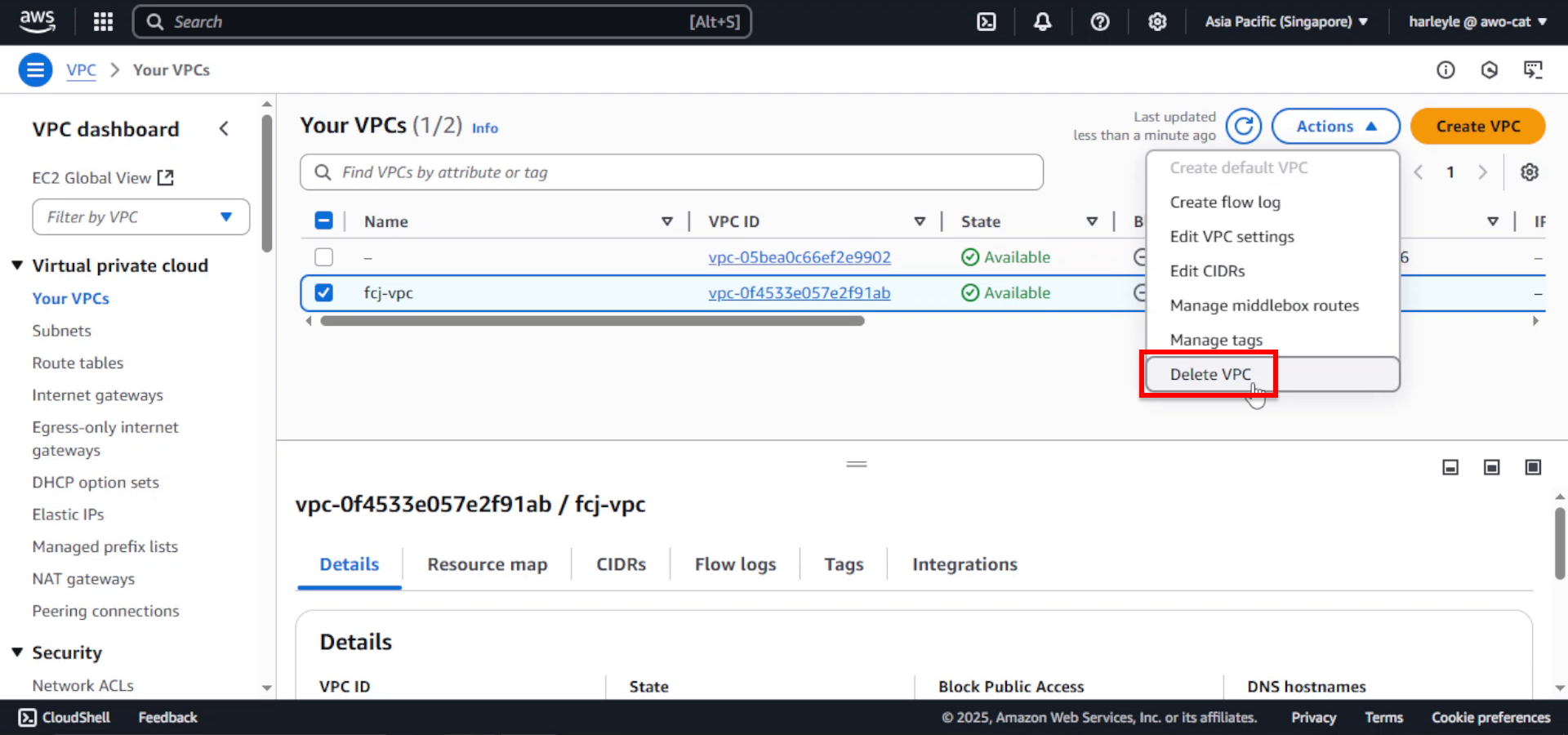
2. Select Your VPCs.
3. Select fcj-vpc and click Actions > Delete VPC.
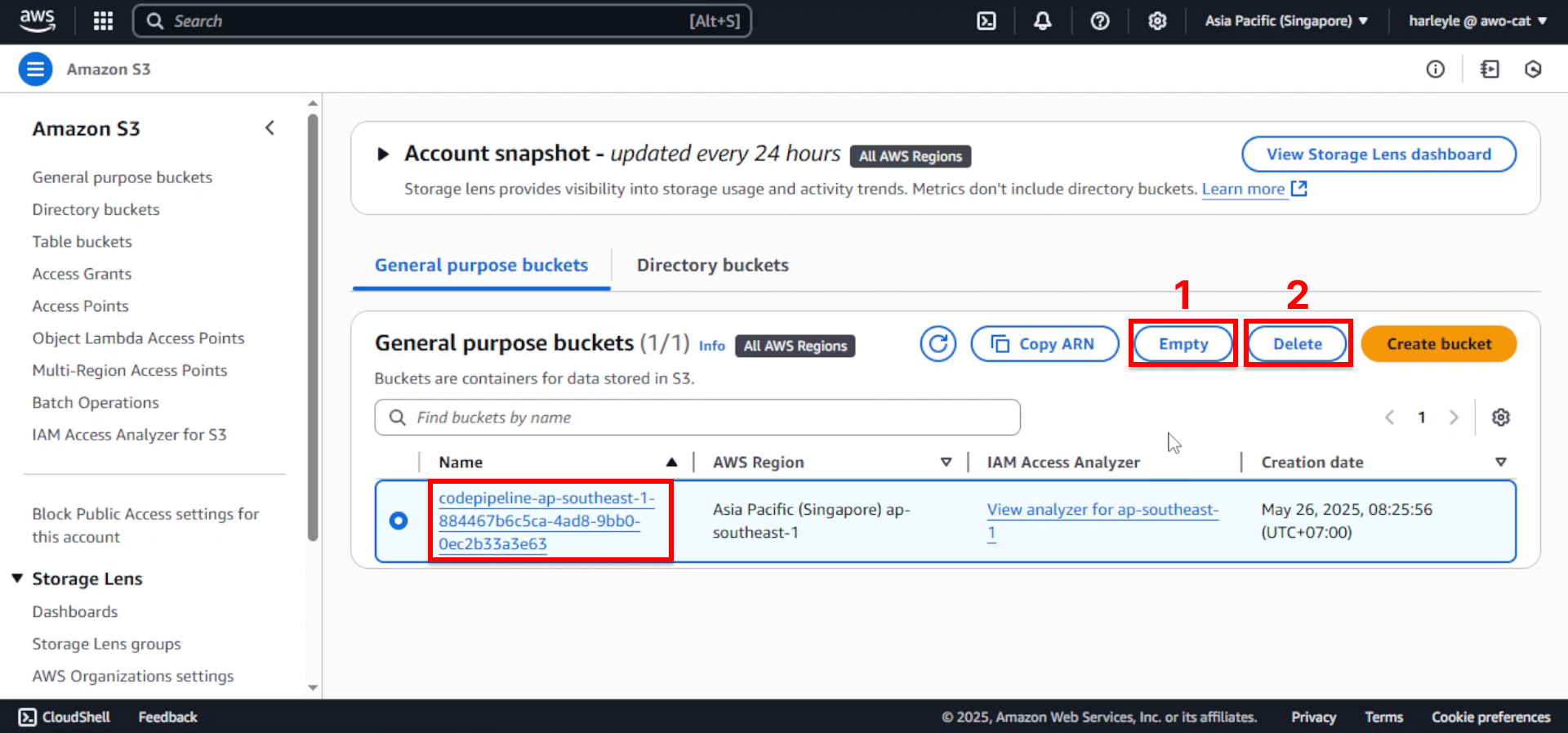
Delete the CodePipeline S3 Bucket
1. Navigate to S3.
2. Select the bucket with a name that starts with codepipeline.
3. Empty and then Delete the bucket.
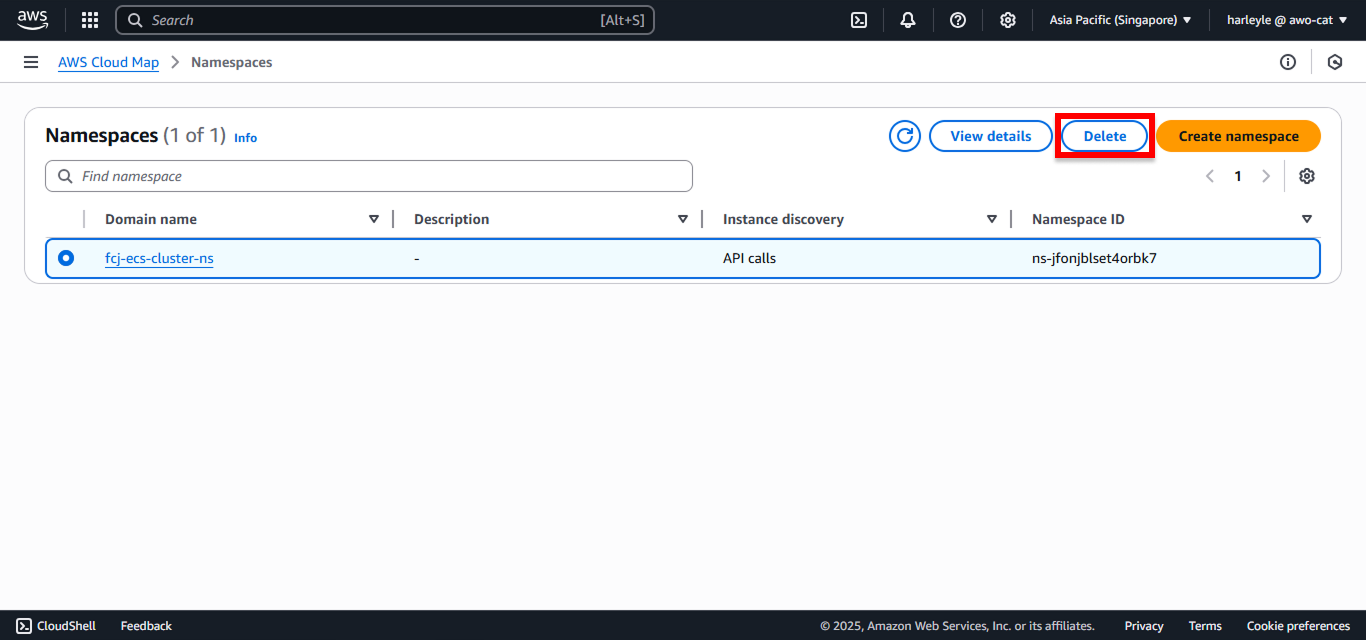
Delete the Cloud Map Namespace
1. Navigate to Cloud Map.
2. Select fcj-ecs-cluster-ns.
3. Click Delete.